A multi-currency expense tracker for spending abroad
Scan a receipt in Paris or type in a taxi fare in Tokyo. Sorayli keeps the amount in the currency you paid, converts it to your base currency at a daily rate from the purchase date or earlier, and adds everything up in one currency. You pick your base currency at setup, and all of this works on every plan, Free included.
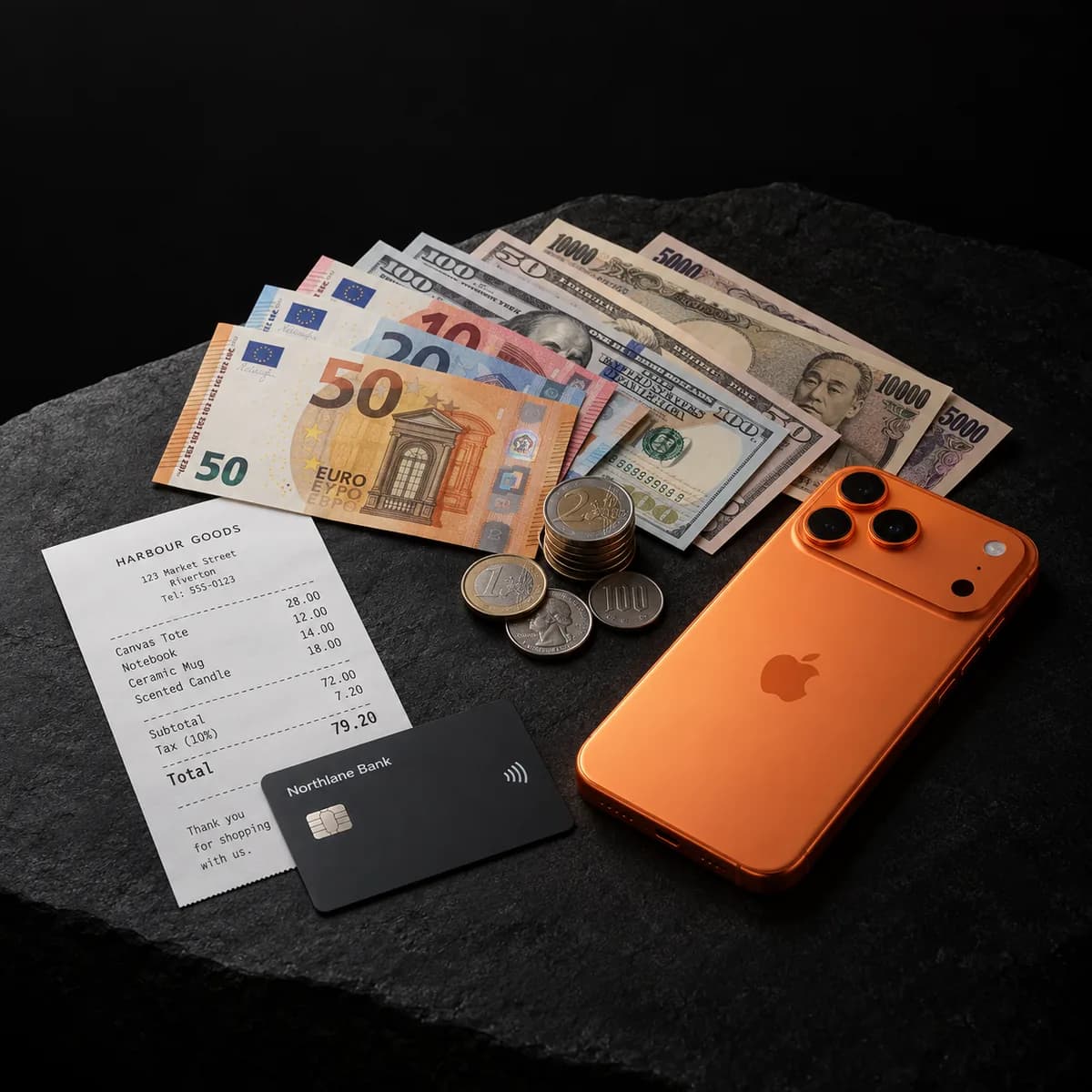
A four-day trip, recorded in US dollars
The account here has the US dollar as its base currency. Each purchase uses the rate published for its own date, so Saturday's and Tuesday's convert at different rates.
| Purchase | Paid | Rate to USD | Recorded as |
|---|---|---|---|
| Rail pass, Tokyo | ¥12,000 | 0.006511 | $78.13 |
| Ramen dinner, Tokyo | ¥2,400 | 0.006511 | $15.63 |
| Museum tickets, Paris | €34.00 | 1.1536 | $39.22 |
| Dinner, Paris | €45.00 | 1.1536 | $51.91 |
| Trip total, in your base currency | $184.89 | ||
Entered with Tuesday's date instead, the same ¥12,000 rail pass would convert at 1 JPY = 0.006464 USD and be recorded as $77.57, $0.56 less. Sorayli can use a stored rate from up to 7 days before the purchase, or an older one when the feed is down, so a figure in the app can differ from this table.
Which rate is used, and from which day
- The source
- A public feed of daily exchange-rate snapshots. It includes currencies the European Central Bank does not publish, such as the Moroccan dirham. Its snapshot for September 15, 2026 had a rate for all 149 currencies Sorayli lists. It is not your bank's or your card network's rate.
- The date
- The purchase date, not the day you enter it. Sorayli uses the rate it has on file for that date, or the most recent earlier one if it is no more than 7 days older. Otherwise it fetches the feed's rate for that date, stepping back up to 5 days if the date has none.
- A future date
- Converted at the latest rate available on the day you save it. It is not converted again when that date arrives.
- When the feed is down
- Sorayli uses the most recent rate it has on file for that date or earlier, however old. If it has none, the purchase is not saved and you are asked to try again. It never guesses a rate, and never saves a euro amount as the same number of dollars.
For comparison, the European Central Bank's reference rate for September 15, 2026 was 1 EUR = 1.1539 USD, and the feed's, used in the table, was 1 EUR = 1.1536 USD. At the ECB rate, the two Paris purchases would come to $91.16 instead of $91.13.
Analytics, the trip's dates, by currency
All currencies
Converted to your base currency
$184.89
Japanese yen only
At the amounts you paid
¥14,400
Euros only
At the amounts you paid
€79.00
How a purchase gets its currency
- A scanned receipt
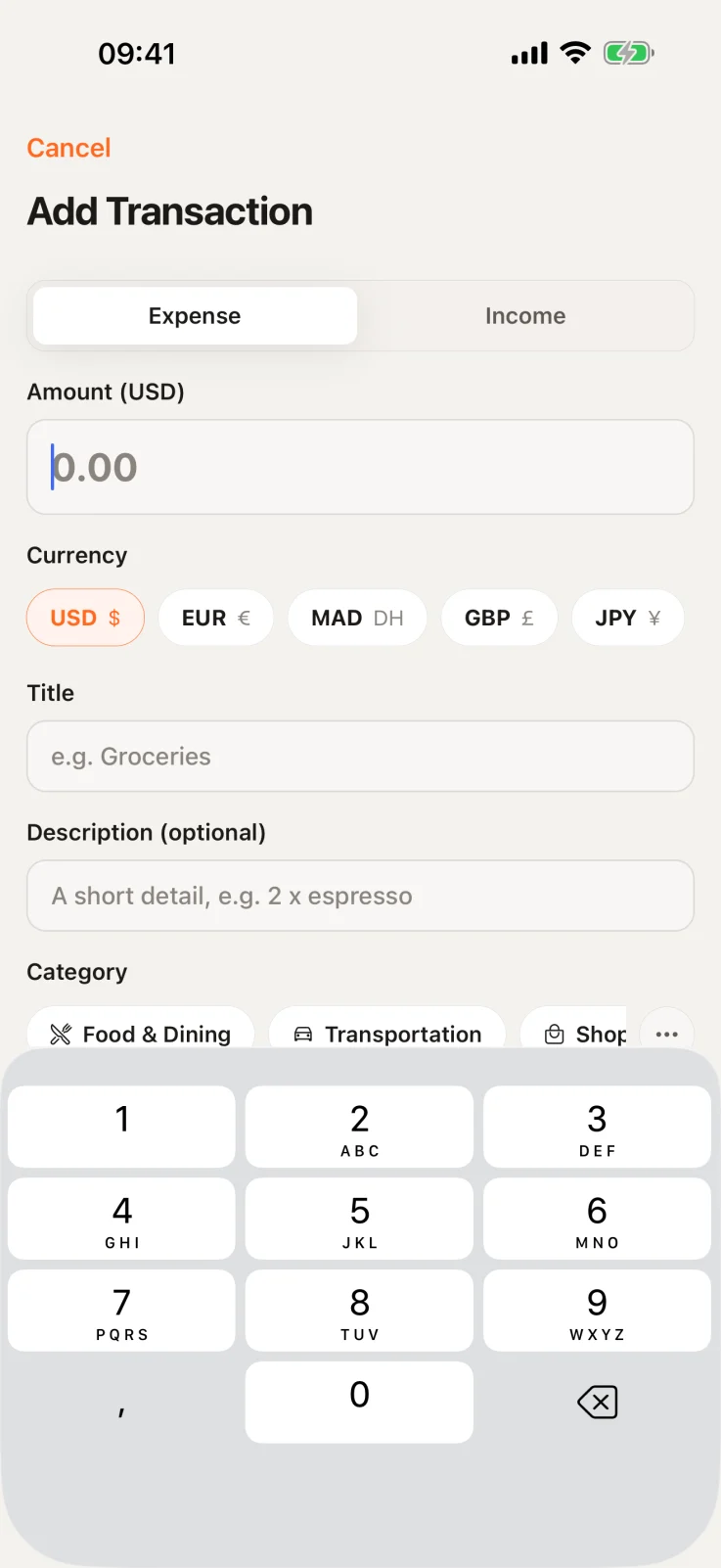
- The receipt scanner reads the currency printed on the receipt and records it as a three-letter code. It knows that DH or Dhs means Moroccan dirham. The review screen shows that currency before the purchase is saved, and you can change it. On the web you can pick any of the 149 currencies Sorayli lists. In the iPhone app you pick from the scanned currency, your base currency and 12 common ones (USD, EUR, MAD, GBP, JPY, CNY, INR, CAD, AUD, CHF, AED and SAR). The one exception is the receipt you scan while setting up the iPhone app, which is saved without this screen.
- No currency printed
- The reader may label the receipt US dollars, or leave the currency blank. If it is blank and you do not pick one, the receipt is saved in your base currency. The iPhone app says so on the review screen. The web shows a currency with no note, and while your ledger is still empty, that can differ from the currency the receipt is saved in. Either way, check the currency before you save.
- Typed in by hand
- A shorter list. The web form offers 11: MAD, USD, EUR, GBP, CAD, AUD, JPY, CHF, CNY, INR and MXN. It starts on the default currency for new transactions that you set in Settings. The iPhone app offers your base currency plus the same 12 common ones and starts on your base currency. Neither form previews the conversion before you save. For a currency outside these lists, such as the Thai baht, scan the receipt on the web or import a CSV file.
- A CSV file
- Each row can carry its own currency code. A row without one is saved in your base currency in the iPhone app, and in your default currency for new transactions on the web.
What each transaction keeps
- What you paid
- The amount and currency from the receipt or form. Amounts are stored to two decimal places, so the third decimal of a Kuwaiti dinar price is rounded off. Only your own edits change them, including ones you ask the AI assistant to make.
- What it counts as
- The amount converted to your base currency, rounded to two decimal places. Totals, budgets, charts and the AI assistant add up this figure. That is how the four example purchases above come to one total of $184.89.
- How it was converted
- The rate used, the date of that rate and where it came from.
When you scan a receipt in another currency, the review screen shows what it will be recorded as, using the same rate the save will use. The web also shows the rate, for example 1 EUR = 1.1536 USD. After you save, the iPhone app's lists show the converted amount, with the original in smaller text beside it. Open a transaction and the app shows the original first, with the converted amount under “Recorded as” further down. The web shows only the original amount on each transaction, and converted amounts in its page totals.
Dinner, Paris
What you paid
Tue, Sep 15 · Food & Dining
€45.00
Recorded as
1 EUR = 1.1536 USD, the rate for September 15, 2026
$51.91
Counts toward
Totals, budgets and charts
USD
Your base currency
Every total, budget and chart is shown in your base currency. You pick it once, during setup, and can see it in Settings at any time, on any plan. In the iPhone app the first suggestion comes from your country.
Changing it later takes Pro or Family. On Free, the web shows the option behind an upgrade prompt and the change itself is refused. Before a change goes through, both the web and the iPhone app warn you that it recalculates your whole history.
Settings
Base currency
Every total, budget and chart
USD
Change base currency
Recalculates your whole history
Pro and Family
What changing your base currency does
- A check first
- Sorayli confirms the new currency has an exchange rate before changing anything. If it has none, nothing changes.
- Past purchases
- Converted again using each one's own date, not today's, by the same rule as a new purchase: a December dinner is valued at a rate from that day or a few days before. If no rate can be found for a purchase's date, it keeps its old converted figure. Purchases dated before March 2, 2024 may have no rate.
- What you paid
- Untouched. Only the converted amounts are rewritten.
- Bank-charge figures
- Converted amounts you typed in from a bank statement are replaced by rate-based ones, because they were in the old currency.
- Budgets
- Budget limits convert at today's rate, and budget alerts reset.
What Free includes
Recording purchases in other currencies, automatic conversion, and totals and budgets in your base currency, which you choose at setup. In the iPhone app you can also replace a converted amount with what your bank charged. What Free does not include: changing your base currency after setup, exporting your data, and the charts on the web Analytics page. Free includes 10 receipt scans a month, with no card needed to sign up.
Compare plansWhat Pro and Family add
Changing your base currency after setup, with your history converted again. Exports that carry both figures: the export in web Settings and the iPhone app's transaction export list the original amount and currency beside the converted ones. The CSV from the web Transactions page has the original amount and currency only. Receipt scanning has no monthly allowance, only a fair-use ceiling of 300 scans a month on Pro and 800 on Family.
Where it works
On the web and in the iPhone app, which share one ledger. Conversion happens on Sorayli's server when you save, so both work from the same stored amounts.
05 · FAQ
Questions about currencies
Open any question for the full answer.
Ready to try it?
Free, no card, no bank login.
Will the converted amount match my card statement?
Often not to the cent. Banks and card networks use their own rates and may add fees. In the iPhone app, open the transaction and enter what your bank charged. It is then marked as manual, and choosing “Reset to the day's rate” undoes it. The web has no screen for this.
Does a converted amount ever change after it is saved?
Yes, in four cases. Saving an edit converts the purchase again: in the iPhone app when you change the amount, currency or date, and on the web with any saved edit. The AI assistant does the same when, with write mode on, you ask it to change a purchase's amount, currency or date. Changing your base currency converts your history again, apart from purchases with no rate for their date. In the iPhone app, entering your bank's figure replaces the converted amount, and so does resetting it to the day's rate. Otherwise it stays as it was saved.
Can I see a trip's spending in euros?
Yes. Analytics has a currency filter. Choose EUR to see only the purchases made in euros, at their original amounts, or choose “All” to see everything converted to your base currency. To narrow it to one trip, set a custom date range to the trip's dates. On the web, the filter and the date range work on every plan. The iPhone app shows the filter once you have purchases in more than one currency.
How far back can I record purchases in other currencies?
The rate feed's published history appears to start on March 2, 2024. A purchase in another currency dated before then may have no rate. If so, Sorayli refuses to save it rather than guess. Purchases in your base currency need no rate, so any date works for them. If you later change your base currency, they need one too, and those dated before March 2, 2024 may keep their old figure.
Does the receipt I scan during iPhone setup get a review screen?
No. It is saved as soon as you sign up, or sign in to an account you already have. It usually becomes one transaction per item on the receipt, or one for the total if no items were read. All of them get the currency the reader found, which may be a US-dollar guess, or your base currency if it found none. If the currency is wrong, change it on each of those transactions, and each is converted again. The edit forms offer a shorter list: 11 currencies on the web, and in the iPhone app the transaction's own currency, your base currency and the 12 common ones. A currency outside those lists cannot be set there.