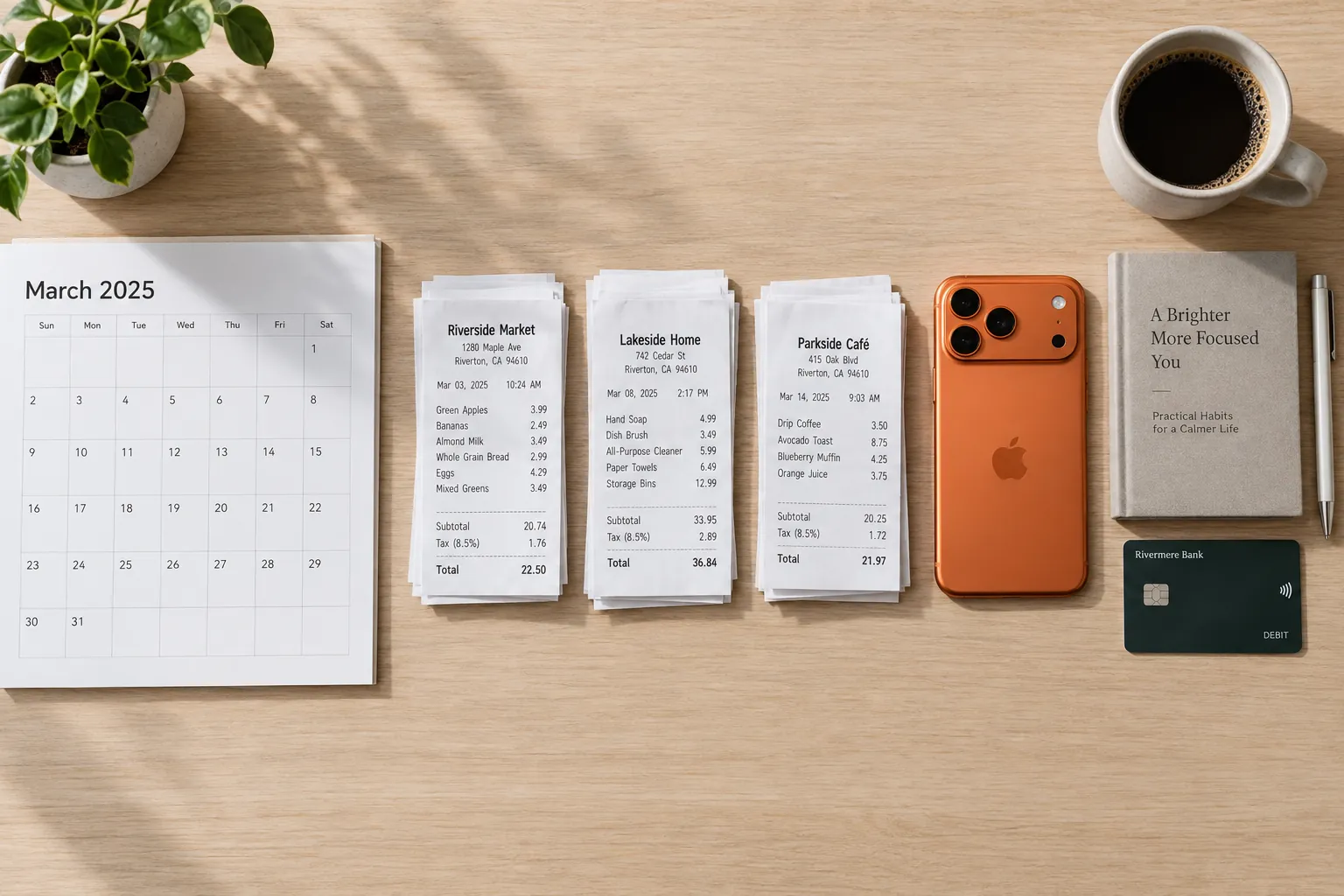
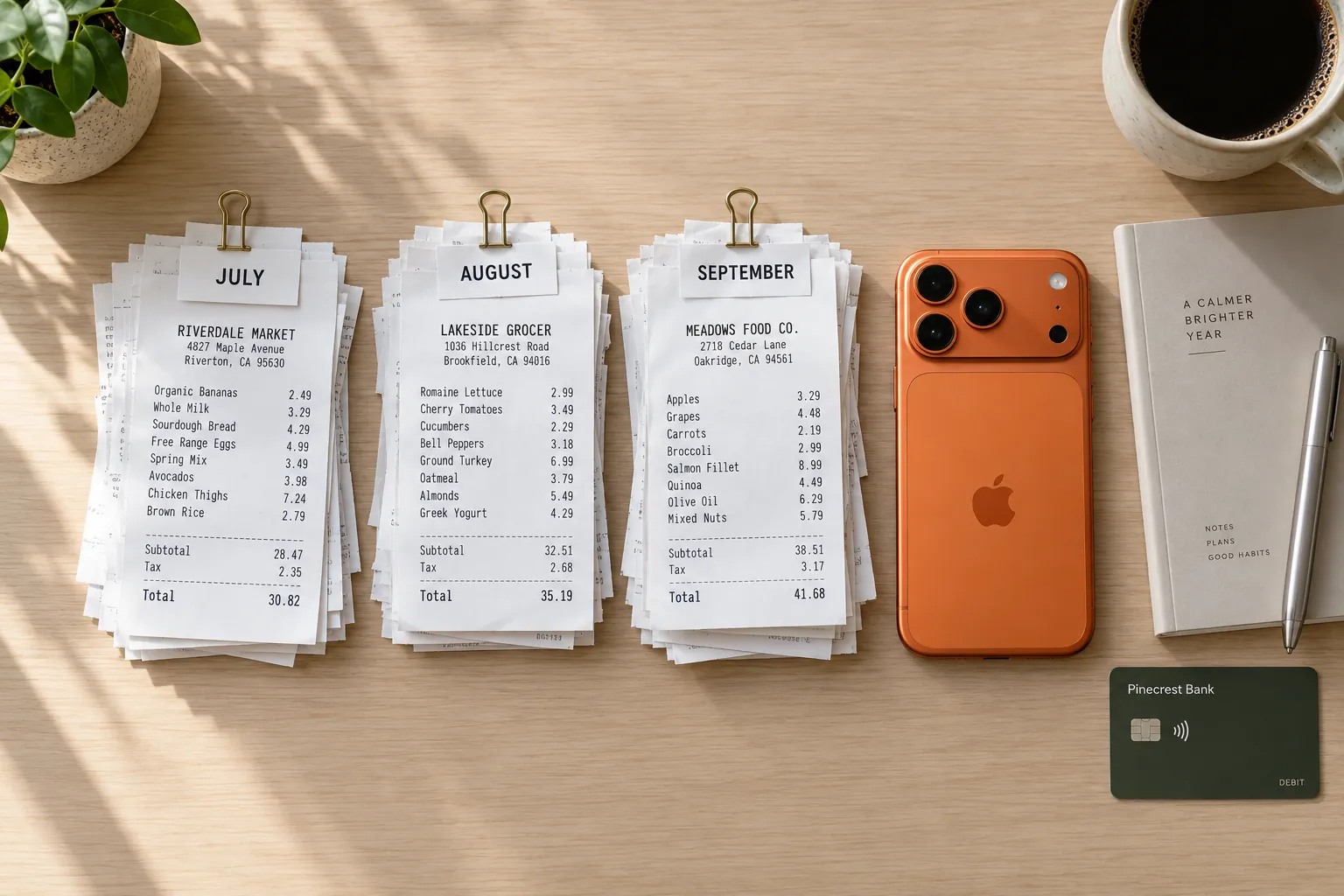
Starting to track your expenses usually goes wrong in the same way. On day one you set up twenty categories, a budget for each and a spreadsheet with formulas. By day nine you have missed three days, the budget already looks broken, and you stop.
The fix is to do one job at a time. For the first 30 days, each week has a single task, and you only move to the next task once the last one is done. You need no budget at all until week 4, because until then you have no numbers to build one from.
| Days | Your one job | Done when |
|---|---|---|
| 1–7 | Capture every purchase | Every purchase from the week is logged, cash and bills included. |
| 8–14 | Sort it into categories that fit you | Every entry has a category you would pick again. |
| 15–21 | Take your first look | You know your top three categories and your likely monthly total. |
| 22–30 | Set your first budget | One or two monthly budgets, set from your own numbers. |
01Before day 1: pick one place and a start date
Choose one place where every purchase goes: a notebook, a spreadsheet or an app. One place matters more than which one. Two half-used tools give you two incomplete records and no total you can trust.
Start today, not on the 1st of next month. Waiting for a clean start is an easy way to never start. Do not try to rebuild past months either. Old statements show where money went, but not what you bought with it, and reconstructing them takes hours you could spend tracking forward.
Before you begin, list your fixed bills and when each is due: rent, utilities, phone, insurance, loan payments. Some will not come due in your first week, and the list keeps them from surprising you in week 3.
02Week 1: capture every purchase
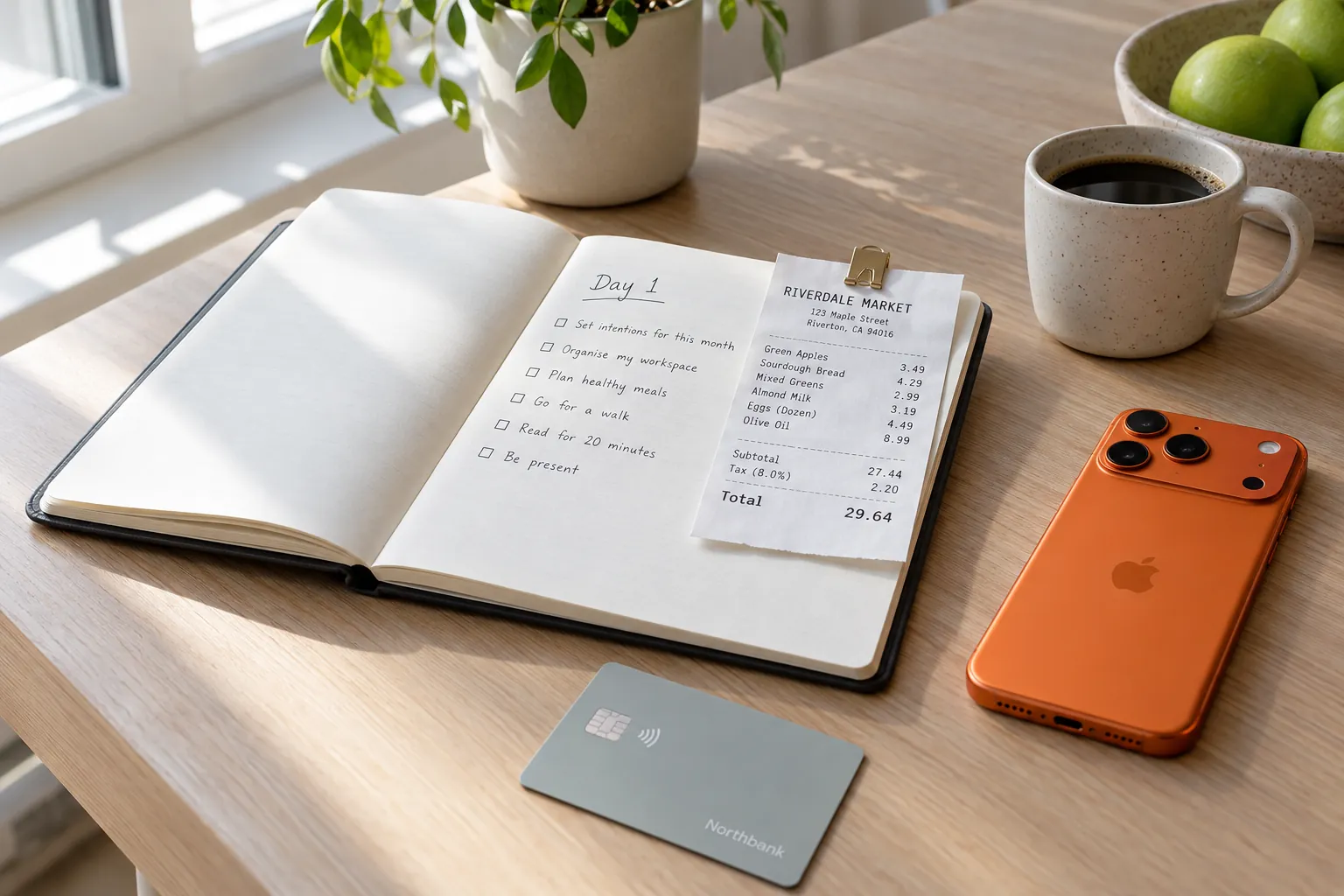
This week has one rule: every purchase gets logged, the same day. Do not judge it, do not fix categories, do not add anything up. A coffee counts. A parking meter counts. The purchase you would rather not write down counts most, because a record with gaps tells you nothing.
Purchases hide in five places. Check each one before you go to bed:
- Paper receipts: your wallet, bag and coat pockets.
- Cash: anything you paid for with no receipt at all. Log what you bought, not the ATM withdrawal. There is more on this in how to track cash spending.
- Online orders: your email, for shops, food delivery, rides and tickets.
- Card-only charges: streaming, apps and memberships, which show up in your card app's notifications.
- Bills: anything paid by transfer or direct debit, which leaves no receipt.
For now, when you have to pick a category, pick the closest one and move on. Getting categories right is next week's job.
In Sorayli you can type a purchase in or scan the receipt. A typed entry needs an amount, a title and a category, and the date is today unless you change it. Typing is unlimited on every plan. A scan reads each line, suggests a category for each one and saves nothing until you confirm it. The Free plan includes 10 scans a month, so on Free, scan the long receipts and type the short ones. The iPhone app cannot save without a connection, so keep the receipt and add it once you are back online.
03Week 2: sort it into categories that fit you
Keep logging every purchase, and add one new job: make the categories tell the truth.
Start with your biggest receipt. A supermarket run is rarely all food, and filing it all as food skews every total that follows. Here is one Saturday trip, line by line.
Maple & Main Market
Sat 12 Sep · 10:42
| Item | Category | Price |
|---|---|---|
| Bananas2.36 lb @ 0.59/lbFood & Dining | Food & Dining | $1.39 |
| Greek yogurt2 @ 1.25Food & Dining | Food & Dining | $2.50 |
| Chicken thighs1.96 lb @ 4.00/lbFood & Dining | Food & Dining | $7.84 |
| Sourdough loafFood & Dining | Food & Dining | $4.99 |
| Coffee beans, 12 ozFood & Dining | Food & Dining | $9.99 |
| Oat milkFood & Dining | Food & Dining | $4.49 |
| ShampooPersonal Care | Personal Care | $6.49 |
| Toothpaste2 @ 3.29Personal Care | Personal Care | $6.58 |
| Paper towels, 6 pkHome | Home | $11.99 |
| Birthday cardGifts & Donations | Gifts & Donations | $4.99 |
- Subtotal
- $61.25
- Sales tax 7% on non-food 30.05
- $2.10
- Total
- $63.35
Debit card
| Category | Lines | Amount |
|---|---|---|
| Food & Dining | 6 | 31.20 |
| Personal Care | 2 | 13.07 |
| Home | 1 | 11.99 |
| Gifts & Donations | 1 | 4.99 |
| Sales tax | Added as its own item | 2.10 |
| Total | 63.35 |
Less than half of this trip was food. File all 63.35 under Food & Dining and your food spending looks twice as high as it is, while personal care and household goods look like zero.
Watch the tax, too. The ten lines add up to 61.25, but the card was charged 63.35. When Sorayli saves a receipt with several items, each line becomes its own entry at its printed price, and the tax is not saved on its own. Before you save, add the 2.10 as an extra item so your total matches what you paid.
Three rules for categories
- Keep a category only if it could change a decision. A "Coffee" category of your own earns its place if you might cut back on it. "Batteries" does not.
- Keep few enough to pick one in two seconds. If you hesitate between two categories every time, merge them.
- File the same thing in the same place. Decide once where takeout goes, or where the dog's food goes, and stick to it.
In Sorayli, the built-in categories cannot be renamed or deleted, but you can add your own, with subcategories if you want them. If you delete a category you made, its subcategories go with it and all their entries are left with no category, so move them first. To find entries to re-file, search for the thing you bought, such as "coffee". Search looks at an entry's title, description and category.
04Week 3: take your first look
On day 21, stop and look. You have three weeks of complete, sorted data, which is enough to see a pattern and too little to judge it. The goal is to understand, not to cut.
Invented figures for illustration. Rent and bills are left out because they had not come due yet.
Work through four steps, on paper if that helps:
- Total each category for the days you have tracked. In the example, 721.54 over 21 days.
- Turn it into a monthly pace. Divide by the days tracked, then multiply by 30. The example comes to 721.54 ÷ 21 × 30 = 1,030.77 a month, and Food & Dining alone to 540.57.
- Add what has not happened yet. Take the fixed bills you listed before day 1 and add every one that has not come due. Yearly charges, such as insurance or a membership, go in as a twelfth of the price.
- Write down one surprise. If one category is much bigger than you guessed, that is where week 4 starts.
In the Sorayli iPhone app, the Categories screen shows this month's spending by category, with subcategories counted in their parent; tap one to see its entries. On the web, filter Transactions by a category and a date range such as This month, and the list shows how many entries match and their total. The category charts on the web Analytics page come with Pro and Family.
05Week 4: set your first budget
Now you have real numbers, so a budget can be real too. Set one or two, not ten. Pick the categories where you actually decide what to spend, such as Food & Dining, Shopping or Entertainment. Rent is not a budget; it is a fact.
Set the limit from your pace, a little below it. In the example, Food & Dining is running at about 541 a month, so a limit of 500 asks for a real change without pretending you will halve it. A budget set at a number you have never hit is one you will ignore by the 10th.
| Step | Example |
|---|---|
| Monthly pace for the category | 540.57 |
| Limit, a little below the pace | 500.00 |
| Warning at 80% of the limit | 400.00 |
| What to do when the warning arrives | Look at what is left in the month and decide one change, such as cooking twice more that week. |
In Sorayli, a budget covers one category or all your spending and is monthly unless you change it. It warns you when spending reaches a share of the limit you pick, from 50% to 100%, and 80% unless you change it. It counts only its exact category, so a budget on Food & Dining leaves out any subcategory you add under it. Alerts come by email, and by push on iPhone once you turn push notifications on. They come from a scheduled check, so they arrive after the purchase, not with it, and for now only monthly budgets get alerts you can rely on. Free includes 2 budgets, exactly what this week needs. There is more on how budgets and alerts work.
Week 4 is also a good time to go through the bills and subscriptions you logged this month. If you mark a charge as repeating when you log it, Sorayli counts it as a subscription, and a reminder email lists it when it renews in the next 3 days. It does not log next month's charge for you, so you still add each one.
06What done looks like on day 30
You do not need a perfect month. You need these five things:
- A complete month. Every purchase is logged, or you know exactly which days are missing and roughly what they held.
- Categories you trust. Every entry sits in a category you would pick again, and no big receipt is filed as one lump.
- Three numbers you know by heart: your monthly total and your two biggest categories.
- One or two budgets, set from your own pace, with a warning level you chose.
- A habit that survives a bad day. You log as you pay, and when you miss a day, you fill it from your card app and inbox instead of giving up.
From here the job gets smaller: keep the record complete, and once a month sit down with your totals and budgets and decide one thing to change. How to do a monthly money review walks through it step by step.
Can I start tracking expenses in the middle of the month?
Yes, and you should. Start today and count your 30 days from today. Your first month-end total will be partial, which is fine; the monthly pace in week 3 corrects for it.
What if I forget to log purchases for a few days?
Fill the gap from your card app and your order emails, then carry on. Cash is the only spending with no other record, so log it first. Missing days are a reason to catch up, never a reason to restart.
How many expense categories should I have?
Few enough that you can choose one in two seconds, and each one tied to a decision you might make. If two categories keep getting confused with each other, merge them.
Do I need to scan every receipt?
No. Typing an entry takes an amount, a title and a category, and it is unlimited on every Sorayli plan. Scanning is most useful for long receipts with mixed items. Free includes 10 scans a month; Pro and Family scan without a monthly limit, within a fair-use cap.