Guide · Updated
How to track expenses without linking your bank
You can keep a complete record of your spending without giving any app your bank login. It takes a routine instead: log each purchase when you pay, then check the week against your statements. Below are the four steps and an example week, with fixes for the statement lines that do not match: tips, sales tax, refunds, cash and foreign fees.
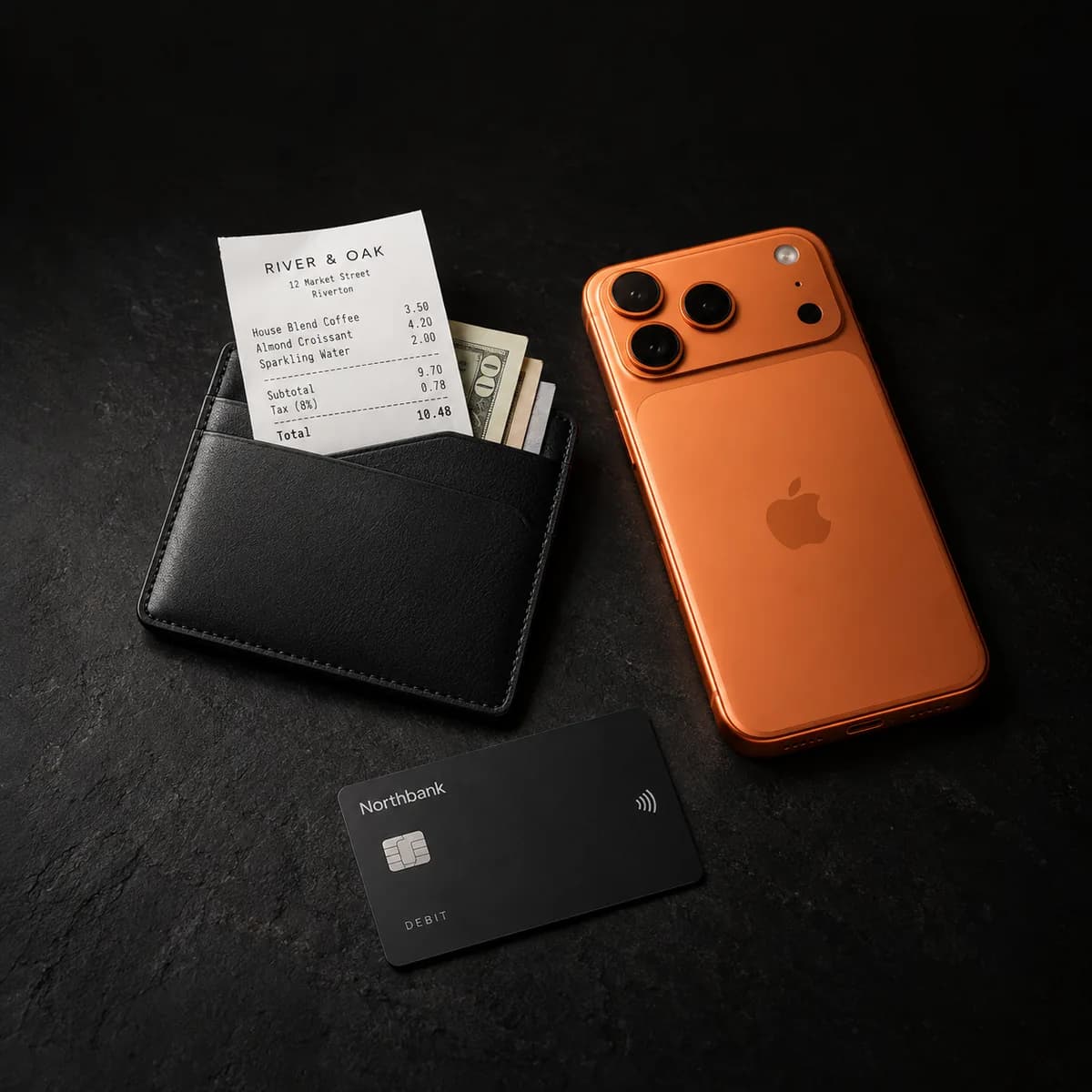
The routine in four steps
- When you payScan the receipt or type the purchase in.
- Every day or twoScan the receipts left in your bag and add online orders from your email.
- Every weekRead the week's card and bank charges line by line, and fix what does not match.
- Every monthMatch your spending total to the statement, then check your budgets and repeating charges.
The routine works on paper, in a spreadsheet or in an app. Where this page names Sorayli, that is our own tracker. It never connects to a bank: you type entries in, or photograph the receipt and let the receipt scanner read it.
Why people track expenses without a bank link
Many budgeting apps fill themselves in by connecting to your bank. That saves typing, and for plenty of people it is the right trade. People skip it for reasons like these:
- Your bank login
- Some bank links send you to your bank's own website to approve access. Others still ask for your online banking username and password inside the app's connect screen.
- A company in the middle
- The link usually runs through a data aggregator, a separate company that connects banks to many apps. It can keep pulling your account data until you revoke that access.
- Every payment copied
- A link usually pulls in every payment on the account, the pharmacy and the gift included, and the app keeps a copy of each one.
Going without a link avoids all three. The cost is recording each purchase yourself.
What you give up without a bank link
A bank link does five things for you. For each one, here is what to do instead, or where to look.
- Automatic capture
- Nothing arrives by itself. The routine catches purchases in layers: log each one when you pay, sweep up what you missed every day or two, then catch the rest at the weekly review, where your card's list of charges shows what slipped through.
- A live balance
- Your bank's app still shows it. A tracker with no link counts what you spent, not what is in the account. In Sorayli, the Total Balance card is all-time income minus spending, not the balance of any account.
- Alerts for odd charges
- Your bank or card issuer can send those from its own app, so turn its alerts on there. The weekly review gives you a second look.
- Past months
- A new link often brings in months of history. Without one, earlier months go in only if you type them in with their dates or import them. Sorayli cannot read OFX, QIF or PDF statements, and a bank's CSV export usually has to be reworked in a spreadsheet before it will import.
- Categories filled in
- You pick one as you type an entry. A scanned receipt usually comes back with a suggested category for each item, and you can change any of them when you check the scan.
What a budgeting app can see when you link your bank
Most budgeting apps connect to banks through an aggregator, a company that sits between your bank and the app. Plaid is the one named most often. Its own privacy policy lists what it can collect from an account you connect:
- Account details
- The account's name, type and ownership, and its account and routing numbers.
- Balances
- The current and available balance.
- Transactions
- The amount, date, payee, type and location of each one.
- Who you are
- Your name, email address, phone number, date of birth and address.
- Credit and loans
- What you owe, due dates, payments and your credit limit.
Plaid says it keeps that data only as long as it is needed, with exceptions, such as while a connection through Plaid to another app is still active, or to help prevent fraud. To see which apps you have connected, disconnect one, or ask Plaid to delete your data, use Plaid Portal at my.plaid.com. If you stop using an app, check there as well as in the app.
In the US the rules for this are still moving. The CFPB issued its Personal Financial Data Rights rule, known as Section 1033, in October 2024, and in August 2025 opened a reconsideration of parts of it, including fees and data privacy. What a budgeting app sees when you link your bank goes into more detail.
Apps that work without a bank link
You don't need Sorayli to do any of this. These all work with no bank connection, each in its own way:
- Goodbudget, free plan
- Envelope budgeting typed in by hand: 10 regular and 10 more envelopes, 1 account, 2 devices and 1 year of history. Its Premium plan ($10 a month or $80 a year) adds bank sync for US banks.
- EveryDollar, free version
- A monthly budget with unlimited categories, with each transaction entered by hand. Connecting a bank comes with Premium ($79.99 a year, or $17.99 a month).
- YNAB
- Its bank import is optional; you can type transactions in or import files from your bank. It has no free plan: $109 a year after a 34-day trial.
- A spreadsheet
- Free and entirely yours. Every line is typed by hand, and the formulas are up to you.
Sorayli never connects to a bank at all. It differs from the rest by reading the receipt for you: each line saved with its own category. Free includes 10 scans a month and unlimited typed entries. For a longer comparison, see the best budget apps that don't link your bank.
Read on October 6, 2026: Plaid End User Privacy Policy (effective December 8, 2025), CFPB, Personal Financial Data Rights (page last updated August 27, 2025), Goodbudget plans, EveryDollar and YNAB pricing.
When you pay
Log each purchase on the spot
Log it before you walk away from the register, or at least the same day, while you still remember what it was. There are two ways to do it:
- Scan the receipt. Sorayli reads the shop, the date, each line, the tax and the total, and nothing reaches your ledger until you confirm it. Each line becomes its own entry, grouped under the receipt. Items are saved at their printed prices, so if a receipt with several items adds sales tax on top, add the tax as an item before you save. The Free plan includes 10 scans a month.
- Type it in. You need an amount, a title (what it was for) and a category. The date is today unless you change it. Typing is unlimited on every plan.
On iPhone, Scan Receipt and Add manually are both on the home screen. On the web, the add form stays open after you save, ready for the next entry.
When a purchase does not fit
- No receipt
- Online orders, subscriptions and some tap-to-pay purchases leave no paper. Type them in from the order email or your card app's notification.
- Paid in cash
- Log what you bought, not the cash withdrawal. The add form offers only Expense or Income, with no transfer option, so logging the withdrawal as well counts the same money twice.
- Typed or scanned, not both
- When you open a new scan to check it, Sorayli warns you if it has the same total, and the same date or shop, as a scan from the last 180 days. It never compares a scan with an entry you typed, so pick one way per purchase.
- No signal
- The iPhone app cannot save while offline, and nothing waits to send later. Keep the receipt and add it when you are back online.
Every day or two
Sweep up what you missed
Some purchases slip past step 1. Catch them while the receipts are still in your bag:
- Empty your wallet and bag and scan the receipts. The web and iPhone scanners both have a batch mode for a pile like this, which you turn on in the scanner. On the web, open each scan and check it before you press Add, because Add saves every finished scan as it was read. On iPhone, open and save each scan before you close the app, because the batch list is lost when it closes. Each receipt uses a scan, and Free includes 10 a month, so on Free you may want to type the small ones in.
- Check your email for order confirmations and add anything bought online.
- To catch up on yesterday on iPhone, set the date once and use Save & add another. It keeps the type, currency and date, clears the rest and puts you back on Amount. On the web, the date goes back to today after each save, so set it for each entry.
- Look at any budget that is close to its limit, while there is still time to change course.
Every week
Check the week against your statements
Pick a fixed time, such as Sunday evening. Open your card and bank apps, or their websites, and read the week's charges yourself, one line at a time. For each line, find the entry in your tracker and fix what does not match.
Work from posted charges. A pending charge can still change: a restaurant adds the tip, and a gas pump or hotel hold is replaced by the final amount.
| Statement line | Amount (USD) | In your tracker | What to do |
|---|---|---|---|
| Corner Market | 42.18 | In your trackerA scanned receipt, saved as one entry per item and grouped under the receipt. The entries add up to 39.52. | What to doCompare the sum with the charge, not the number of entries. The 2.66 gap is sales tax the receipt added on top of the item prices, which item entries leave out. Add it as its own entry. |
| Harbor Bistro | 58.40 | In your trackerA scanned receipt for 50.40, printed before the tip | What to doAdd the 8.00 tip as its own entry, in the same category. |
| StreamBox | 15.49 | In your trackerNothing | What to doA card-only charge with no receipt. Type it in and mark it as repeating, monthly. |
| Cash withdrawal | 60.00 | In your trackerTwo cash purchases, 12.50 and 9.00 | What to doLeave the withdrawal out. The purchases are the spending. |
| Trail Supply, refund | −24.99 | In your trackerThe 24.99 purchase you logged last week | What to doDelete that entry, or lower its amount for a partial refund, so the category total drops. |
| Café Lumière, paid in euros | 5.37 | In your tracker4.80 EUR, converted at that day's rate to 5.21 | What to doThe card used its own rate and may have added a fee. On iPhone, open the entry and type 5.37 under Recorded as, so your totals and budgets use what the card charged. The web app has no such field. |
A statement shows the cash withdrawal but never what you bought with it, so your own log is the only record of cash spending. That makes cash the purchase to log on the spot.
Entries have no card or account field. The iPhone receipt screen shows the payment method when the receipt printed one, such as card or cash, which often does not say which card. If you carry more than one card, go through each card's charges in turn.
To be reminded, turn on Weekly reports in Settings. It is off until you do. It covers the last 7 days: income, spending, net, the number of transactions and your top 3 spending categories. A week with nothing logged sends nothing.
Every month
Close the month
Match the total
When a statement arrives, filter your transactions to expenses and set custom dates that match the statement period. On the web and on iPhone, the list then shows how many entries match and their total.
On a credit card statement, compare that with the purchases figure in the summary, not the new balance, which also carries last month's balance, payments, interest and fees. A checking account statement usually has no such line, so add up the card payments on it yourself.
Sorayli has no accounts, so its total covers every card and your cash together. If the gap is bigger than what you spent in cash and on other cards, go through the statement line by line. A purchase from the last day of the period may also post on the next statement.
Review your budgets
Check each budget against the month. A budget covers one category or all spending, and runs weekly, monthly or yearly. You choose when it warns you, from 50% to 100% of the limit (80% unless you change it).
For a monthly budget, Sorayli sends an email, and a push notification on iPhone, once spending passes that point and again once it passes 100%. The check runs on a schedule, not the moment you save, so do not count on an instant alert.
Free includes 2 budgets; Pro and Family have no limit. With Monthly report on in Settings, you also get an email about the calendar month just ended. When the month before had spending, it compares the two. There is more on how budgets and subscription reminders work.
Go through your subscriptions
Read the statement for charges that repeat. Sorayli does not find them for you. A charge counts as a subscription only once you mark it as repeating: weekly, every two weeks, monthly or yearly. You can mark it when you log it, or later by editing the entry.
Marked charges show in your upcoming bills. A reminder email lists the ones due in the next 3 days, and it is on unless you turn it off. Marking a charge does not log the next one, so you still add each charge as it comes.
Keep receipts for returns and warranties
A scanned receipt is enough for the weekly review. Keep the paper as well for anything you might return or claim under warranty, because some shops ask for the original. Receipts printed on thermal paper fade, so the photo is your backup.
In Sorayli, a scanned photo stays in your account with its transaction. Open the entry on the web or on iPhone and the receipt image is there.
There is no separate receipt search and no warranty tag. The transaction search looks at an entry's title, description and category. It does not look at the merchant, the note or the amount, so search for the thing you bought, such as “kettle”, rather than the shop.
Deleting a receipt deletes its photo too, so keep it until the return window or the warranty has run out.
Three ways to keep the record
Any of these works with the routine above. What changes is how much of it you do by hand, and where the record lives.
| Part of the routine | Paper or a notes app | A spreadsheet | Sorayli |
|---|---|---|---|
| Getting started | Paper or a notes appNothing to set up. | A spreadsheetBuild the columns and totals yourself, or start from a template. | SorayliSign up. Categories and subcategories are ready, and you can add your own. |
| Logging a purchase | Paper or a notes appWrite it down. Nothing adds up for you. | A spreadsheetType a row. Fiddly on a phone screen. | SorayliType it in, or scan the receipt and check what was read. Typing is unlimited; Free includes 10 scans a month. |
| Receipts | Paper or a notes appKeep the paper in an envelope or a box. | A spreadsheetSave photos in a folder and note the file name in the row. | SorayliThe scanned photo stays with its transaction. |
| Totals and budgets | Paper or a notes appAdd them up by hand. | A spreadsheetFormulas you write. No alerts. | SorayliCategory totals and budgets. A monthly budget warns you at a level you set. Free includes 2 budgets. |
| Repeating charges | Paper or a notes appA list you keep. | A spreadsheetA tab you keep. | SorayliMark a charge as repeating to see it in upcoming bills and get a reminder email. You still log each charge. |
| Checking statements | Paper or a notes appBy hand. | A spreadsheetBy hand. A column for which card paid makes it easier. | SorayliFilter by dates for one total. Entries have no card or account field, so with several cards you check line by line. |
| Where the record lives | Paper or a notes appWith you, or in your notes app's cloud. | A spreadsheetOn your computer or in your cloud drive. | SorayliIn your Sorayli account. Scanned photos and assistant messages go to an outside AI service, after you agree. CSV export on the web needs Pro or Family. |
| Weak spot | Paper or a notes appEasy to lose, and no totals. | A spreadsheetTyping everything, often on the go. | SorayliNo direct bank statement import, and the iPhone app cannot save offline. |
What it costs in Sorayli
Typing entries is unlimited on every plan, including Free. Free also includes 10 receipt scans a month and up to 2 budgets. Pro and Family have no monthly scan limit, with a fair-use cap of 300 scans a month on Pro and 800 on Family, and no limit on budgets.
Where it works
On the web and in the iPhone app, which share one ledger. Offline, the iPhone app shows your transactions, budgets and categories from its last sync within the past week, but you need a connection to add, edit or scan.
What leaves your hands
The short version of how Sorayli handles your data: it never asks for a bank login, and it does not sell your data or use it for advertising. Scanning sends the receipt photo, with your category names, to an outside AI service to be read. The assistant uses the same service: your messages go to it, and with AI Personalization on Advanced, the default, so do a summary of your last 90 days and any entries it looks up. Neither works until you agree in the app. If you would rather none of that leaves your hands, type your entries in the add form.
03 · FAQ
Questions about tracking without a bank link
Open any question for the full answer.
Ready to try it?
Free, no card, no bank login.
Does Sorayli connect to my bank at all?
No. It has no bank connection of any kind, and it never asks for your bank login. The only transactions in it are the ones you add: typed in, scanned from a receipt, imported from a CSV file, or added through the assistant.
Can I import my bank statement instead of typing?
Not directly. Sorayli's CSV import reads its own layout, with columns such as Date, Title and Amount, and it cannot read OFX, QIF or PDF statements. A bank's CSV export usually has to be reworked in a spreadsheet first: rename the columns, make spending positive, add a Type column for income and use year-first dates. Download sample in the web add form gives you a template. Import the result in the iPhone app, which shows what will happen before anything is saved and takes up to 1,000 rows. Importing the same file twice adds the rows twice. For most people it is simpler to start logging from today.
Can I log a purchase by talking to my phone?
Through the assistant, yes. On iPhone you can speak your message: the phone turns the speech into text, and the audio stays on the phone. Turn on Write mode and leave AI Personalization on Advanced, the default. A message such as “spent 40 on groceries” then adds the expense, usually after the assistant asks you to confirm. The text goes to an outside AI service, and with Advanced on, so does a summary of your recent spending. Each message counts as one question, the confirmation included, and Free includes 10 a month. Typing the entry into the add form instead uses none and has no limit.