How it works
From a paper receipt to a clear month
Photograph a receipt or type a purchase. Sorayli reads it, files every item, keeps your budgets current and answers questions about where the money went, on the web, iPhone and Android. Here is each step, and what happens behind it.
01
Capture a purchase
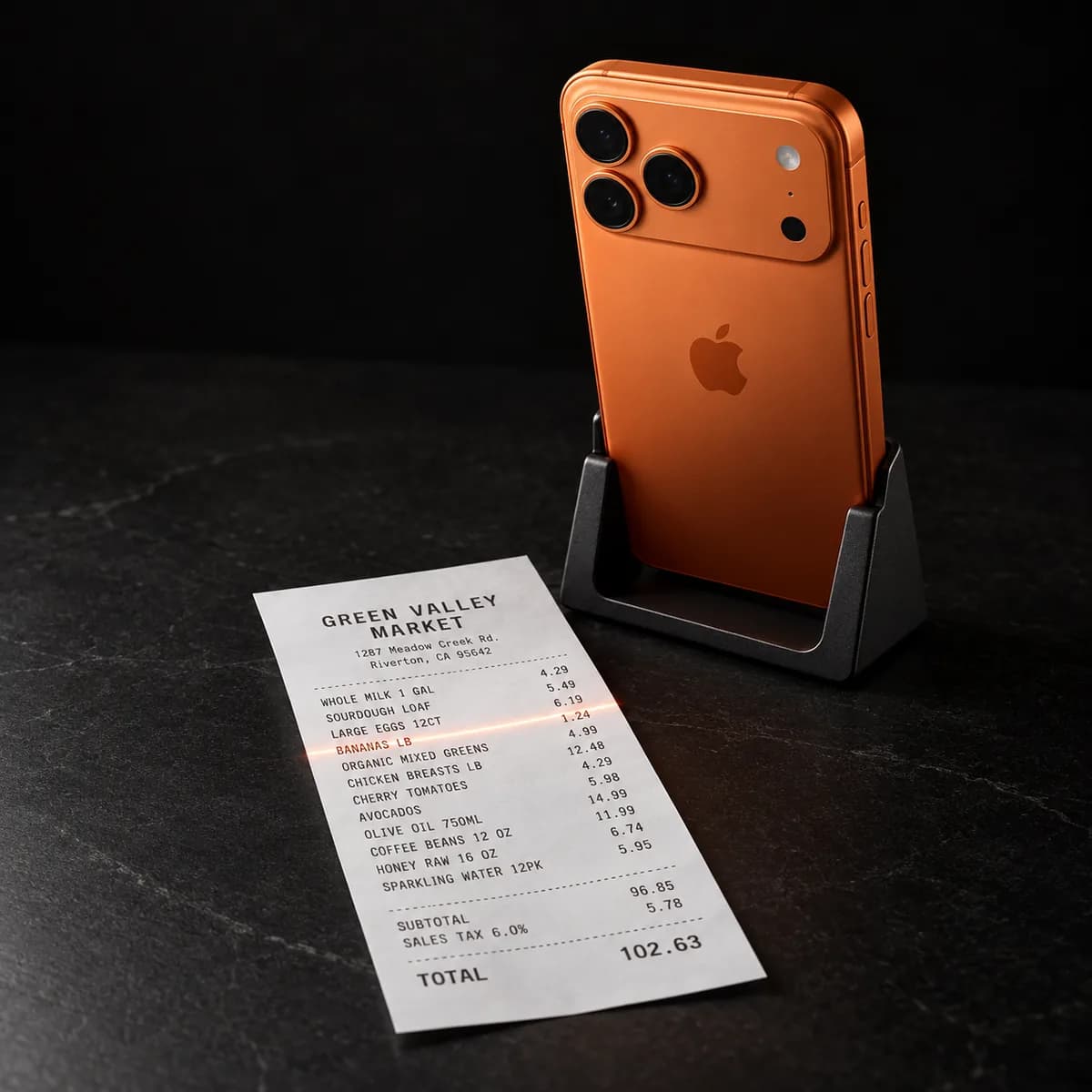
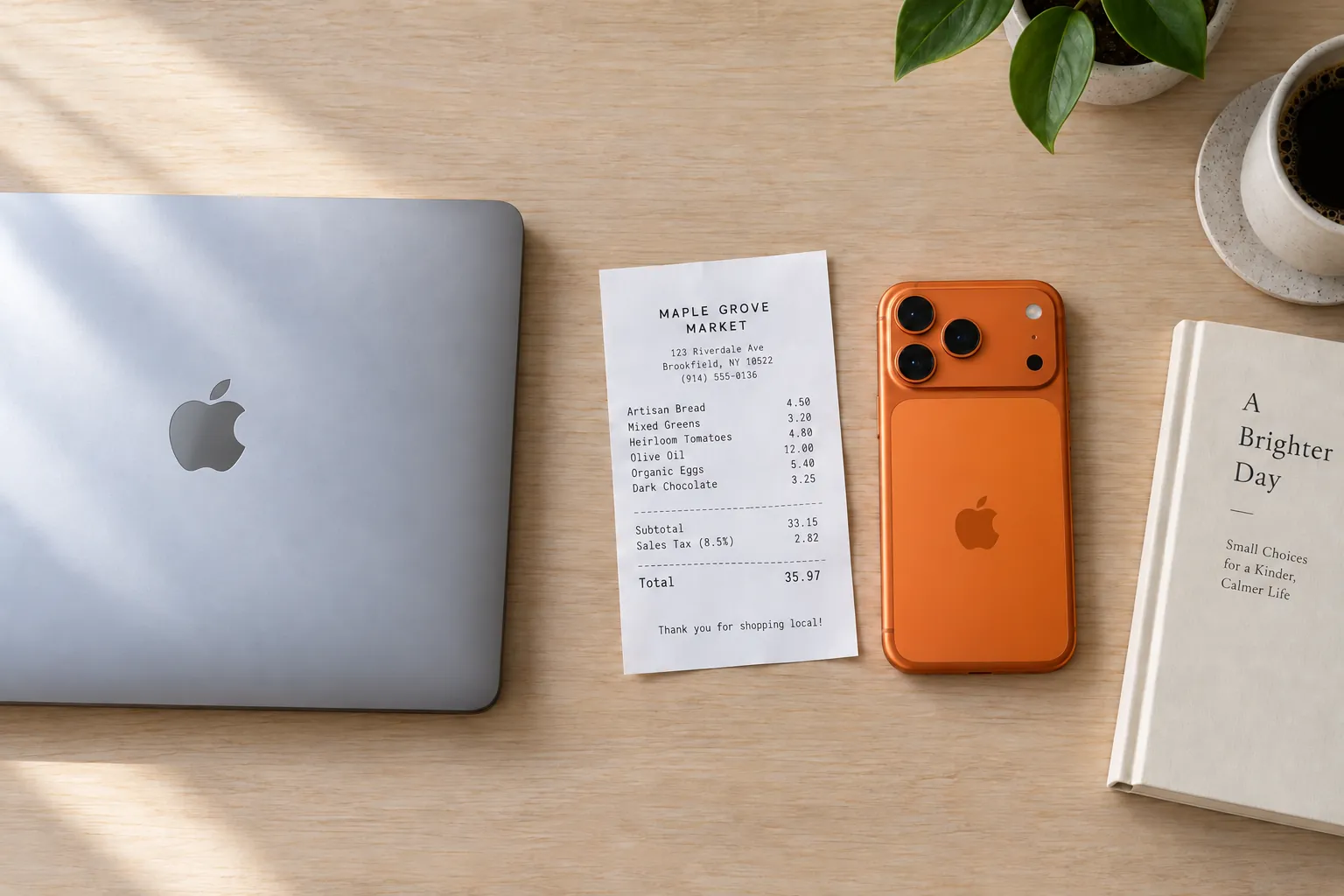
On iPhone or Android, point the camera at a receipt. On the web, upload a photo from your computer or take one with your phone's browser. Sorayli reads it in about ten seconds.
- Scan
- 10 a month on Free, no monthly limit on Pro and Family.
- Type it
- Cash, a bill, anything without a receipt: typing a purchase is unlimited on every plan.
- Say it
- Tell the assistant what you bought, with Write mode on, and it adds the transaction.
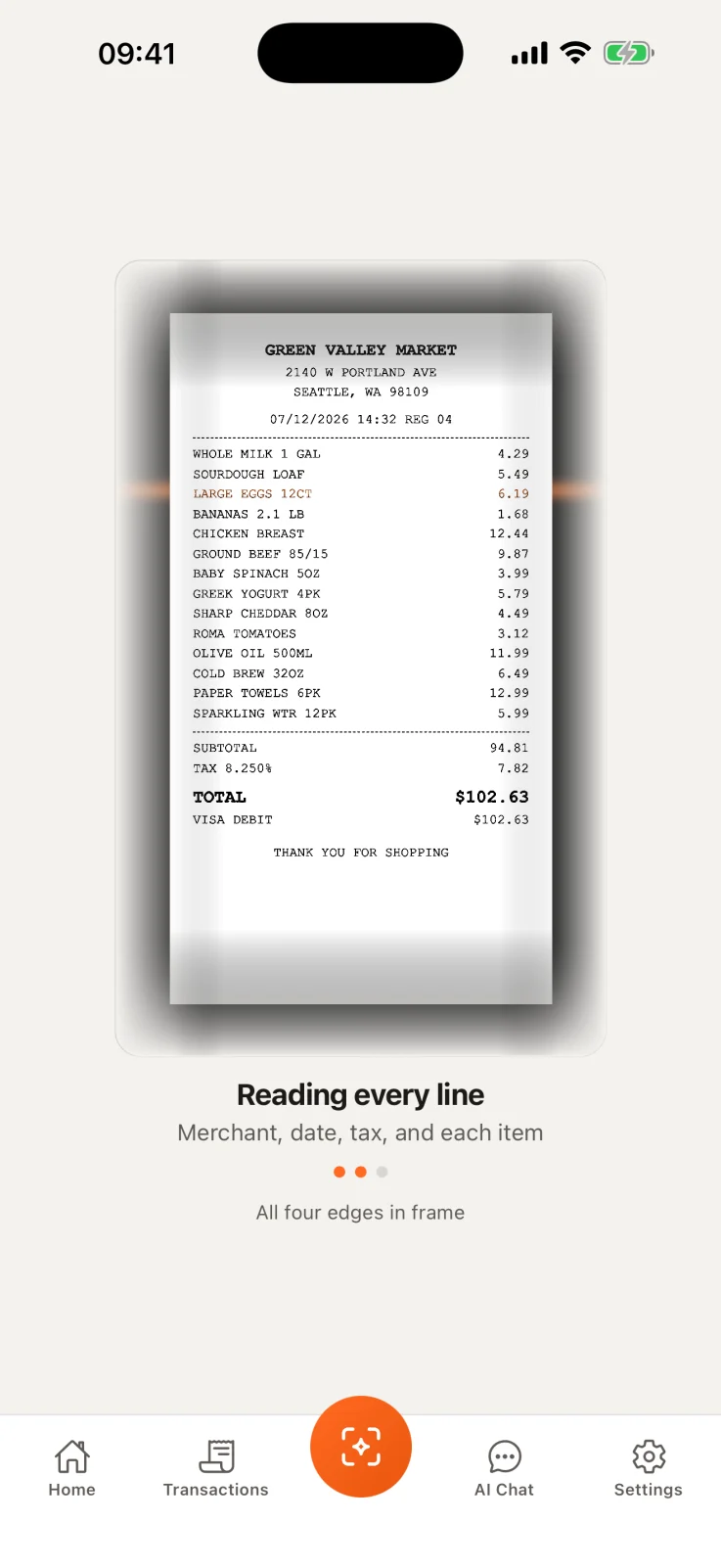
Point the camera
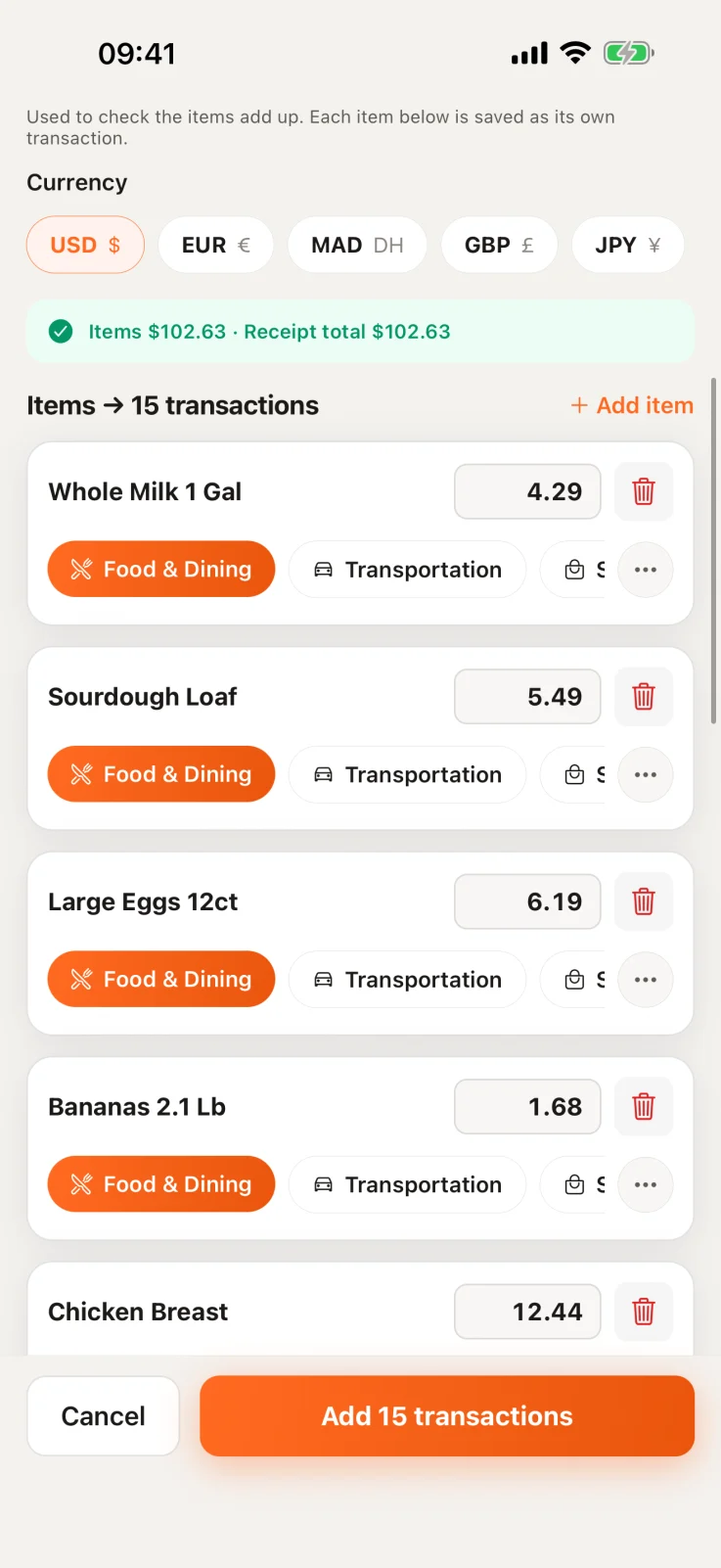
Every line is read
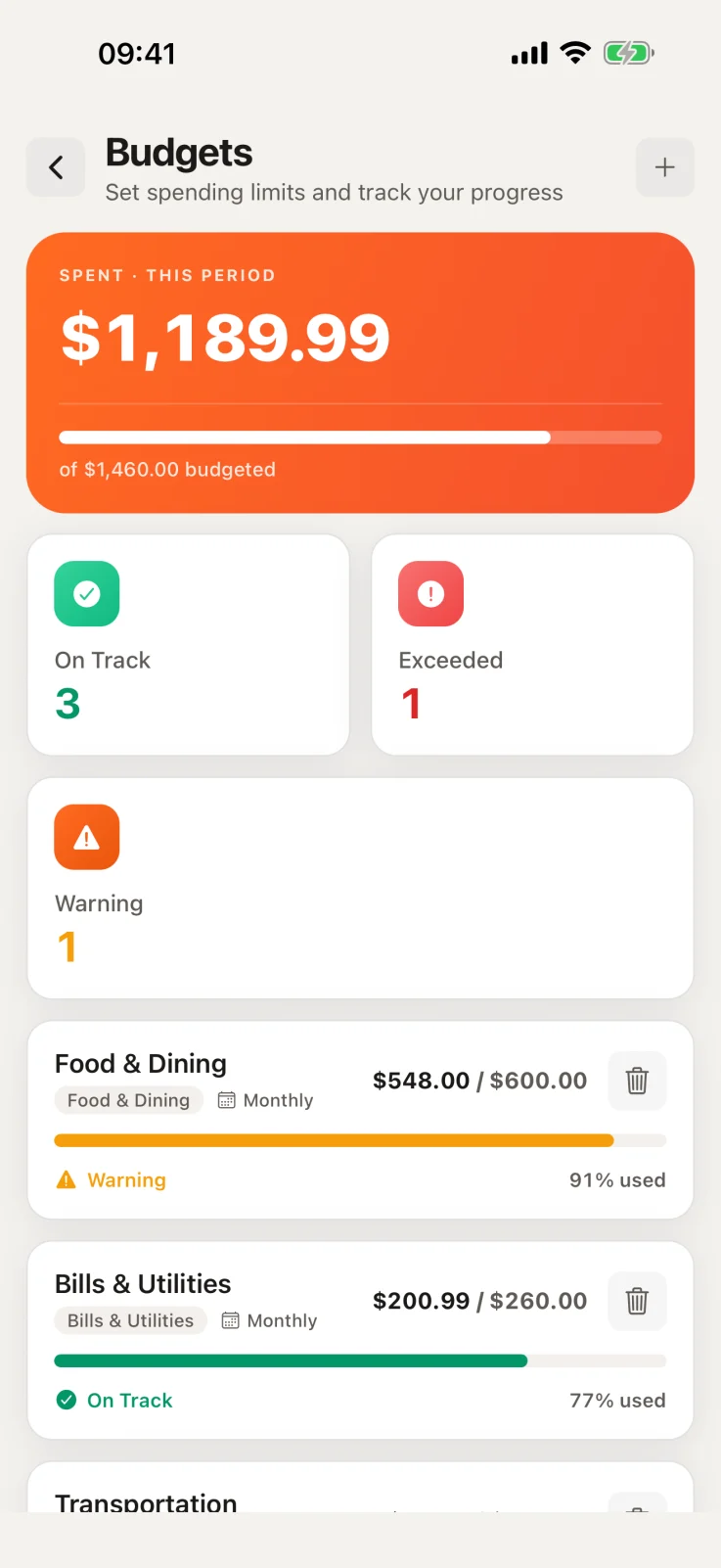
Saved, budget updated
02
Check what it read
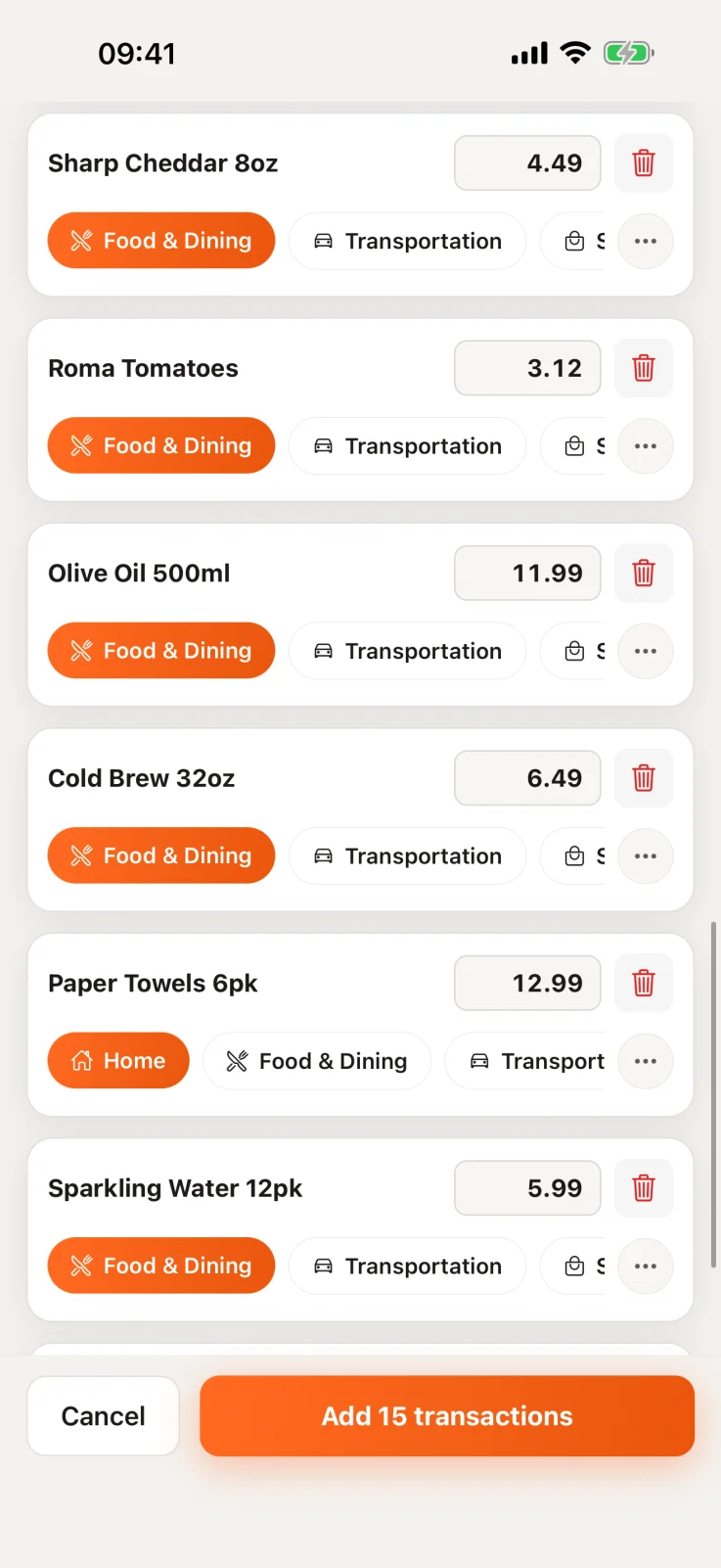
A scan shows you the shop, the date, each item with its quantity and price, the tax, any discount and the total, so a 14-line grocery run stays 14 lines. Every field can be changed before you save, and a saved transaction can be edited later.
Not sure how to read the small print yourself? How to read a grocery receipt.
03
It sorts itself
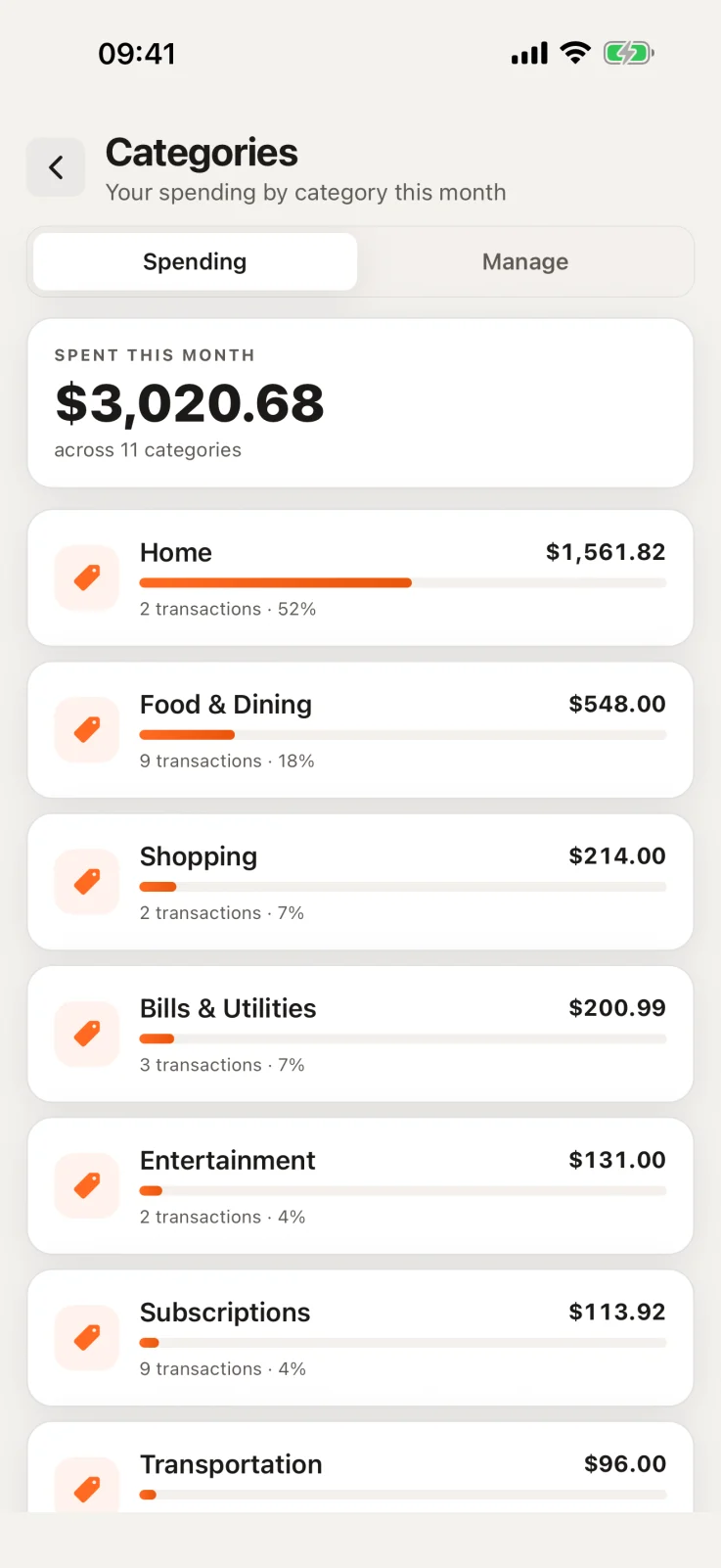
Each item gets a suggested category, which you can change. New accounts start with everyday categories such as Food & Dining and Transportation, and you can add your own.
- Any currency
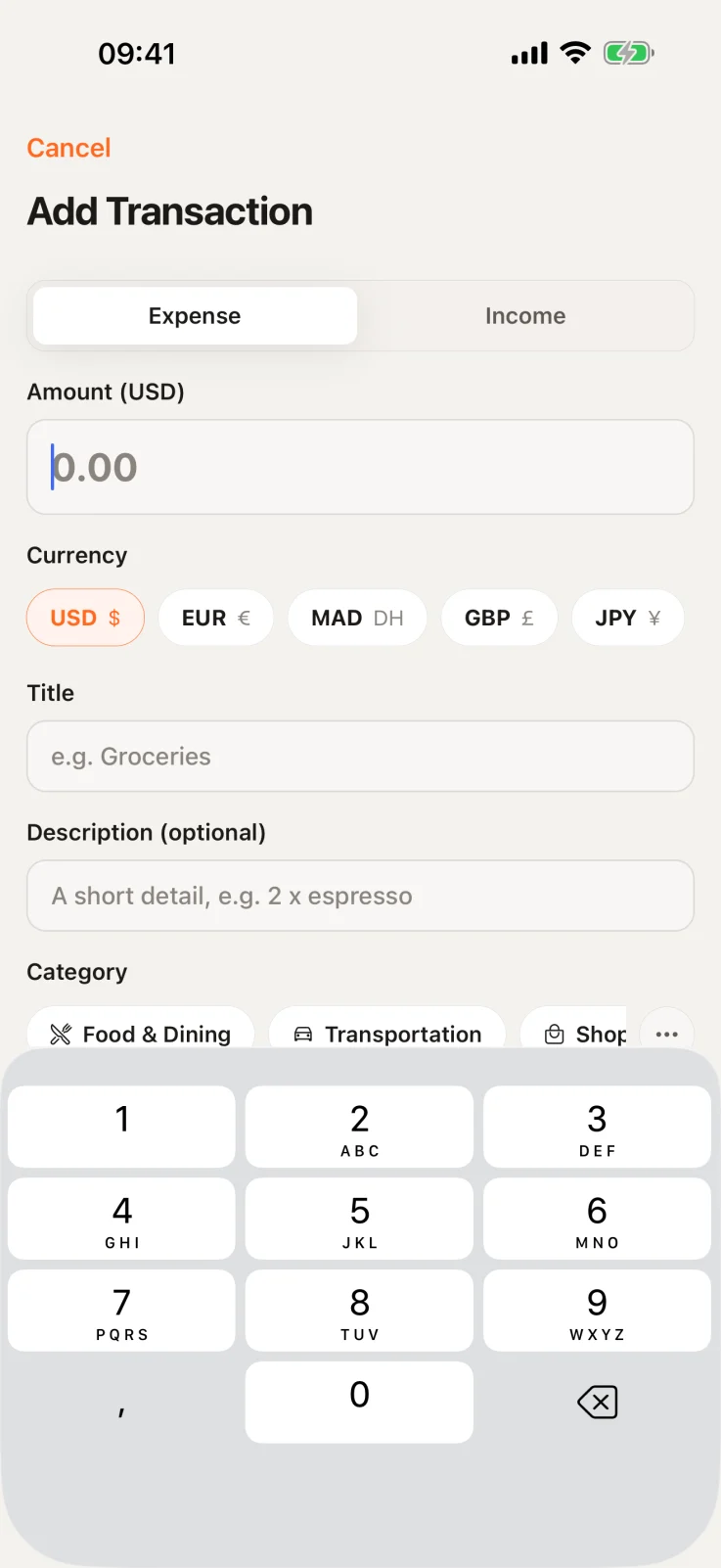
- Record a purchase in the currency you paid, and Sorayli converts it to yours at a daily rate from the purchase date or a few days before.
- Your currency
- Totals, budgets and charts use the base currency you pick at setup. Changing it later, with your history converted again, comes with Pro and Family.
04
Budgets warn you in time
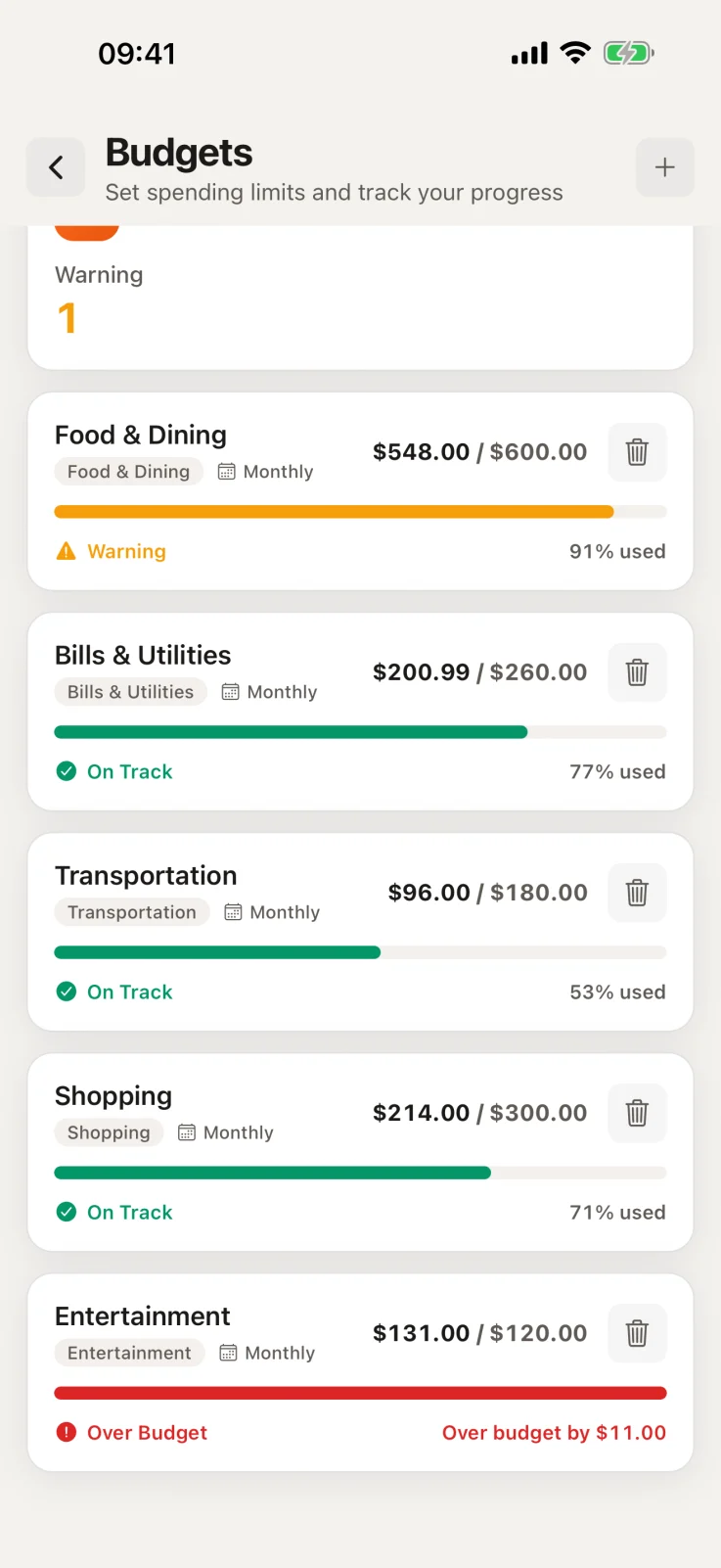
Give a category a monthly limit and pick when you want a warning, from 50% to 100% of it (80% unless you change it). Sorayli emails you, and pushes to your iPhone if you allow it, when spending gets there, and again at the limit.
- Budgets
- Up to 2 on Free, as many as you want on Pro and Family. Alerts on every plan.
- Subscriptions
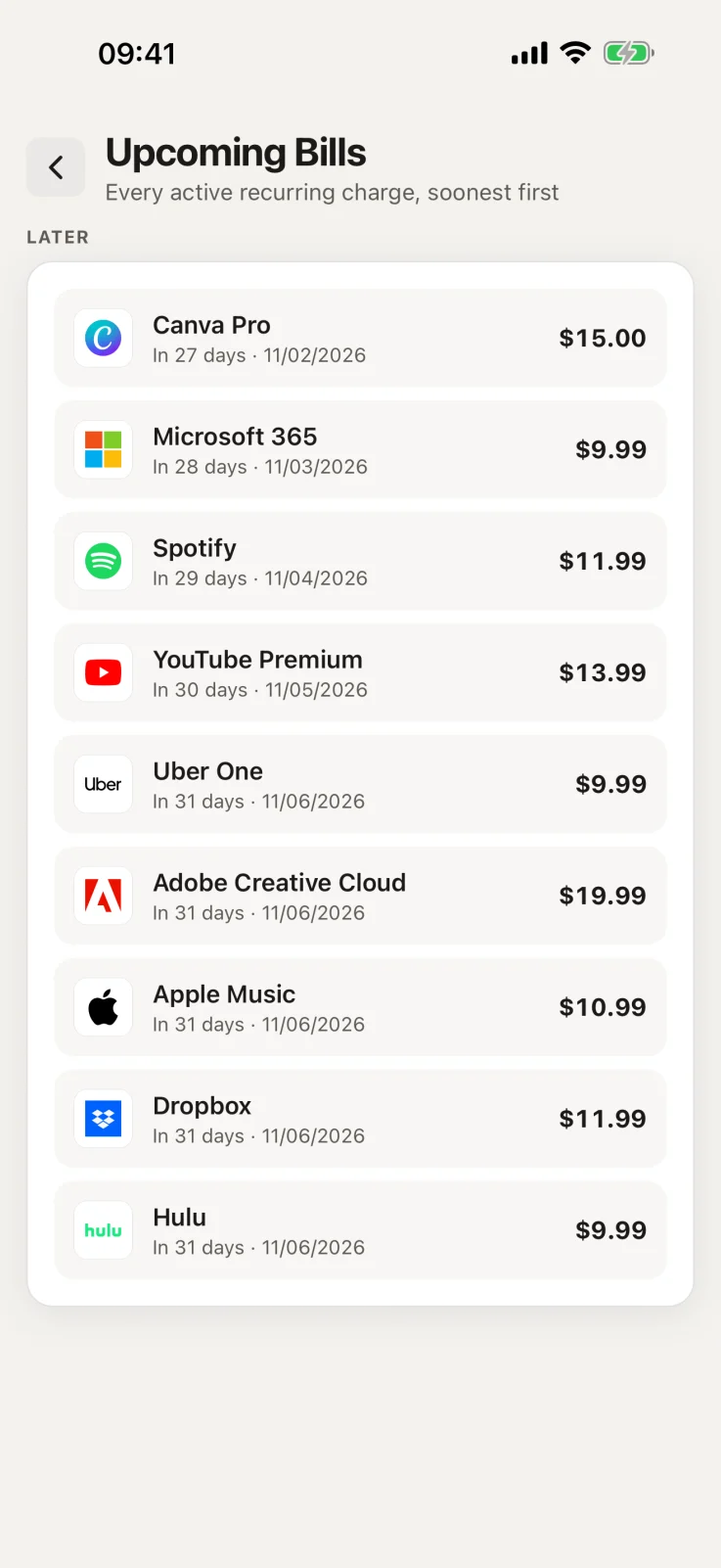
- Mark a charge as recurring and it joins one list, with an email 3 days before it renews. Sorayli never cancels anything for you.
05
Ask about your money
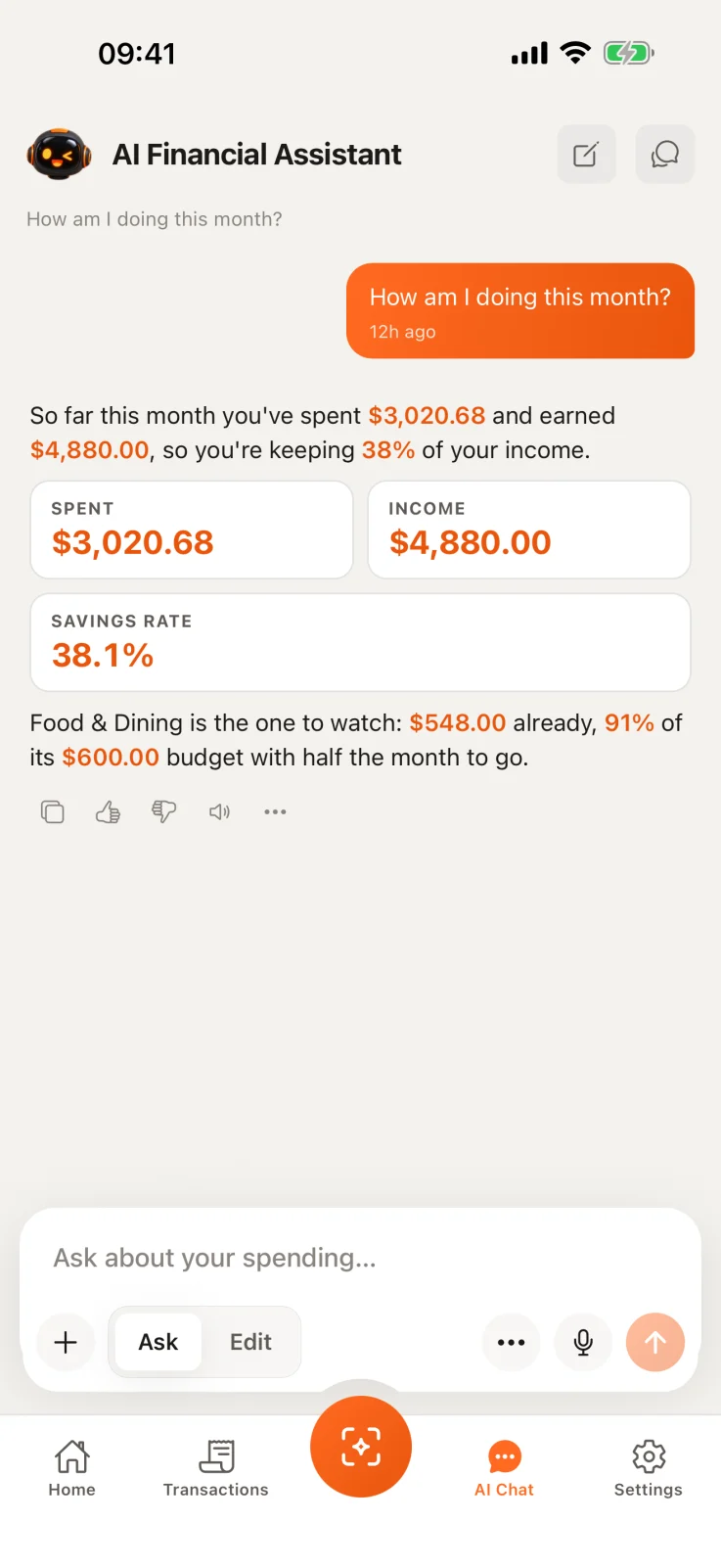
Ask in plain words, such as “How much did I spend on Food & Dining in August compared with July?”, and the assistant works the answer out from your own transactions. Answers are information, not financial advice.
- Free
- 10 questions a month. Each message counts as one.
- Pro and Family
- No monthly allowance, only a fair-use ceiling of 500 a month on Pro and 1,500 shared on Family.
One ledger, on the web, iPhone and Android
The web app and the iPhone and Android apps share one account, so a receipt scanned on your phone is in the browser a moment later. The phone apps keep a copy of your recent data on the device, so they work offline too.
What happens to your data
- No bank connection
- Sorayli only knows what you scan or type. It never reads your bank accounts.
- Never sold
- Your data is not sold, not shared with advertisers or data brokers, and not used for advertising.
- AI, with your permission
- Scanning and the assistant send what they need to OpenAI only after you agree in the app, and under the terms we use it does not train its models on your data. You can withdraw that in Settings at any time.
- Stored in the EU
- Your database and receipt photos are hosted in the EU.
- Yours to take or delete
- Pro and Family can export everything. Any plan can delete the account from Settings; it takes effect after 30 days, and signing back in before then cancels it.
03 · FAQ
Before you start
Open any question for the full answer.
Ready to try it?
Free, no card, no bank login.
Does Sorayli connect to my bank?
No, and it never asks to. Everything in your ledger is something you scanned, typed, or added through the assistant. Why that can be the better way to track spending.
What does it cost to try?
Is it on Android?
Yes. The Android app is on Google Play. Sorayli also runs in any browser and as an iPhone app. Your account and your data are the same on each.