Tracking your spending only pays off when you look at what you tracked. A monthly review is the half hour where that happens. You compare this month with the last one, find the two or three changes that matter, and leave with one thing to do differently.
This guide assumes you already record what you spend. If you are still getting started, read how to start tracking your expenses first and come back after your first full month.
01Before you start
Pick a fixed day and keep it. The last day or two of the month works well: the month is almost complete, and any budgets you track have not reset yet. The first few days of the next month work too, and give late card charges time to appear.
You need three things: your spending record, last month's review if you did one, and something to write on. Set a timer for 30 minutes. The time limit is part of the method. A review that takes an evening is one you will skip in month three.
02The review, step by step
1. Close the gaps (5 minutes)
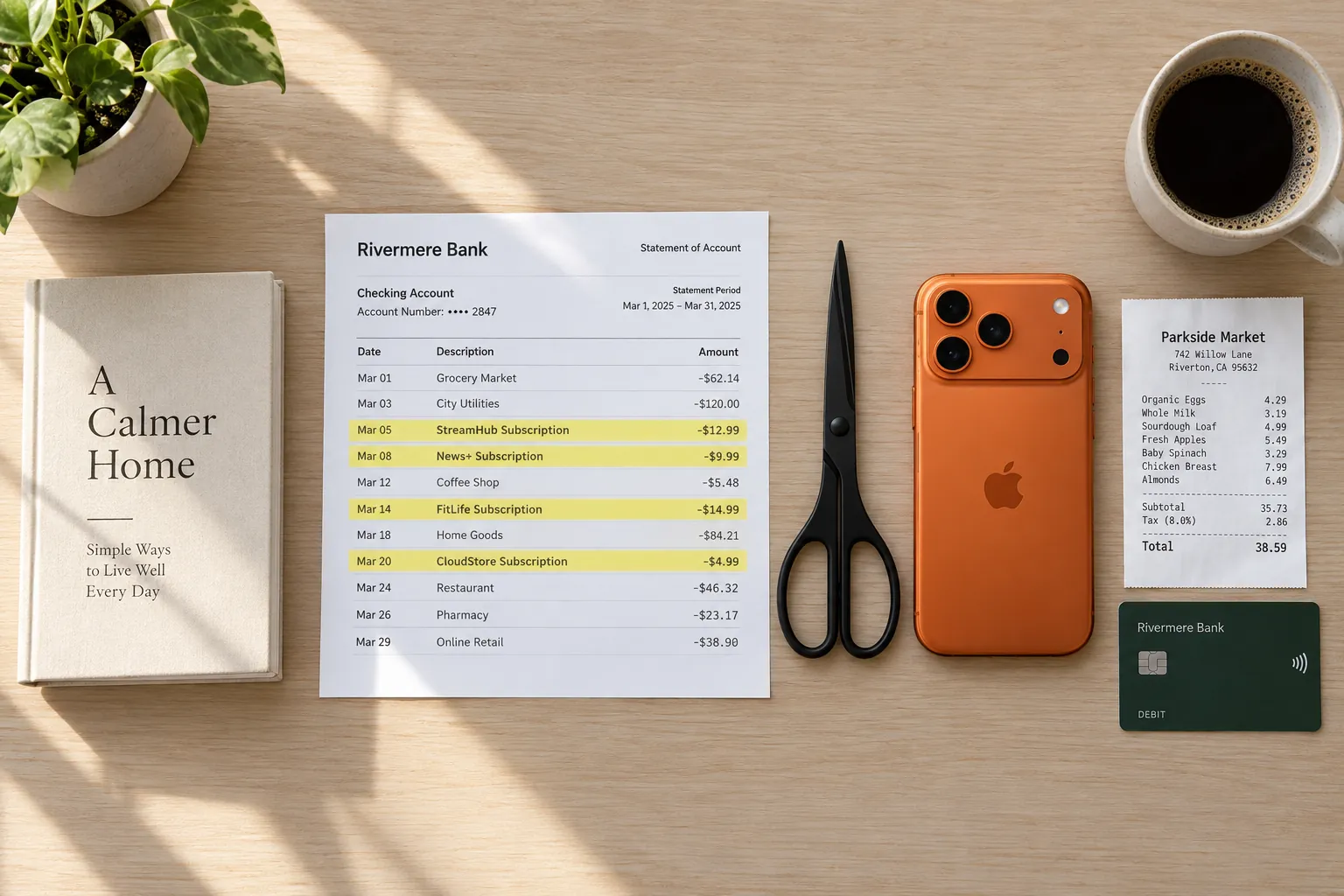
Empty your wallet and bag. Add the receipts still in there, the cash you spent, and any online orders sitting in your email. Then read your card statement for charges you never logged. Every number after this step is only as good as this one.
2. Write down three totals (5 minutes)
Money in, money out, and the difference. Put them next to last month's three numbers. You are not judging yet, only noting direction: did you keep more or less than last month, and by how much in dollars.
3. Compare categories with last month (8 minutes)
List each spending category with last month's total beside this month's, and the change. Then find the three biggest changes in dollars, not in percent. A category that went from $4 to $8 doubled, and it does not matter.
Give each of the three a label. A one-off is a party, a repair or a gift, and it will not come back next month. Seasonal means it comes back at the same time each year, like summer electricity or school supplies. Drift is a habit growing slowly. Only drift needs a decision. To tell them apart, open the two or three largest receipts in the category and read the lines.
4. Score your budgets (5 minutes)
For each budget, write hit or missed and by how much. Then ask why, using the labels from step 3. A miss caused by a one-off is not a reason to raise the limit. A miss for the same reason two or three months running means the limit or the habit has to change. For groceries, how to set a grocery budget shows how to base the number on your own last few months.
5. Read your subscriptions (4 minutes)
Go through every charge that repeats. For each one, ask two things: did you use it this month, and did the price change. Check the statement for repeating charges that are not on your list yet. The full method is in how to find and cancel subscriptions.
6. Make one decision (3 minutes)
Write down one action for next month that you can check off. "Cancel the second streaming service before the 10th" works. "Spend less on food" does not. One is enough. Next month's review starts by checking whether you did it.

03A worked example: August against July
Here is one person's review, done on August 31. Income was $3,400.00 in both months. In this example every entry is filed under a main category, with rent under Home, which keeps the table short.
| Category | July | August | Change |
|---|---|---|---|
| Home | $1,450.00 | $1,450.00 | $0.00 |
| Food & Dining | $612.40 | $738.95 | +$126.55 |
| Transportation | $214.30 | $186.75 | −$27.55 |
| Bills & Utilities | $241.18 | $263.62 | +$22.44 |
| Subscriptions | $58.46 | $71.45 | +$12.99 |
| Shopping | $132.00 | $96.20 | −$35.80 |
| Entertainment | $88.00 | $142.50 | +$54.50 |
| Personal Care | $46.25 | $39.80 | −$6.45 |
| Total spending | $2,842.59 | $2,989.27 | +$146.68 |
Step 2 gives three totals. Money in: $3,400.00 both months. Money out: $2,989.27, up $146.68, or about 5%. Kept: $410.73, down from $557.41.
Step 3 finds the three biggest changes in dollars: Food & Dining up $126.55, Entertainment up $54.50, Shopping down $35.80. Shopping went down, so it needs nothing. Entertainment was two concert tickets, a one-off. Food & Dining needs a closer look, so the next move is to open its biggest receipt of the month.
Northside Market
Sun Aug 16 · 11:42
| Item | Category | Price |
|---|---|---|
| Sparkling water 12pk2 @ 5.49Food & Dining | Food & Dining | $10.98 |
| Tortilla chips3 @ 3.29Food & Dining | Food & Dining | $9.87 |
| Chicken thighs2.50 lb @ 3.98/lbFood & Dining | Food & Dining | $9.95 |
| Birthday cakeFood & Dining | Food & Dining | $24.99 |
| Avocados6 @ 1.25Food & Dining | Food & Dining | $7.50 |
| Salsa2 @ 3.79Food & Dining | Food & Dining | $7.58 |
| Ice 10 lb2 @ 2.99Food & Dining | Food & Dining | $5.98 |
| Paper plates 50ctShopping | Shopping | $6.49 |
| Party cupsShopping | Shopping | $4.29 |
| Sunscreen SPF 50Personal Care | Personal Care | $11.99 |
- Subtotal
- $99.62
- Total
- $99.62
Card
The receipt explains most of the jump. The food for a birthday party came to $76.85, and that was a one-off. Take it out and Food & Dining was up $49.70, which is drift worth watching but not yet a pattern. The paper plates and sunscreen landed in their own categories, which is why a single receipt read line by line tells you more than its total.
| Budget | Limit | Spent | Result |
|---|---|---|---|
| Food & Dining | $650.00 | $738.95 | Missed by $88.95 (114%) |
| Entertainment | $150.00 | $142.50 | Hit, $7.50 to spare (95%) |
Step 4. Food & Dining missed by $88.95. Without the party it would have come to $662.10, still $12.10 over. That is close enough to leave the limit alone for one more month. Entertainment stayed under, but only because the tickets were the only extra that month.
Step 5. Subscriptions rose by $12.99 because a second video streaming service started in August. The list now holds a gym at $29.00, two video services at $15.49 and $12.99, music at $10.99 and cloud storage at $2.98. Two video services for one person is the obvious question.
Step 6, the decision: cancel the second video service before it renews. That is $12.99 a month, or $155.88 over a year. Food & Dining gets no decision this month, only a note to check the drift again at the end of September.
04The checklist
- Last month's decision: done or not done.
- Wallet, bag, cash and email receipts all added.
- Card statement read for charges you never logged.
- Money in, money out and the difference, next to last month's.
- Every category, last month beside this month, with the change in dollars.
- The three biggest changes, each labeled one-off, seasonal or drift.
- The largest receipts in any category that moved, read line by line.
- Each budget: hit or missed, by how much, and why.
- Each subscription: used this month, and did the price change.
- One decision for next month, written where you will see it.
05Doing the review in Sorayli
Everything above works on paper. Here is where each step lives in Sorayli.
The home screen, on the web and on iPhone, shows this month's income and spending, each with its change from last month once last month has entries, and your top five spending categories. It always shows the current month, so it fits a review on the last day or two of the month.
For a month that has ended, open Analytics on the web and choose Custom with its first and last day. Every plan sees Total Income, Total Expenses, Net Savings and a daily spend rate for those dates. Pick a category in the filter to see that category's total, then run last month's dates to fill in the comparison. With Pro or Family, the same page adds charts by category, a six-month trend, your top vendors and a category breakdown table. In the transactions list, on the web and on iPhone, a filter for expenses between two dates shows how many entries match and their total.
The Budgets screen marks each budget On Track, Warning or Over Budget. Spending starts from zero each period, so check it before the month turns. A budget on a main category counts only entries filed under that exact category, not its subcategories. Free includes 2 budgets.
On the web, the Subscriptions page adds up the charges you have marked as recurring into a cost per month and per year. Its Next 30 days figure counts only charges with a saved next billing date in that window. Pausing a subscription takes it out of the totals. Sorayli does not find subscriptions for you: a charge appears there only after you mark it.
You can also ask the assistant a plain question, such as "How much did I spend on Food & Dining in August compared with July?" It works the answer out from your own entries. Answers are information, not financial advice. Each message uses one AI credit, and Free includes 10 a month, so a review question or two fits easily. The other plans are on the pricing section.
How long should a monthly money review take?
About 30 minutes once your spending is recorded. The first one can take longer if you are catching up on a month of receipts.
What day of the month should I review my finances?
Any fixed day you will keep. The last day or two lets you see budgets before they reset, and the first few days of the next month give late card charges time to show up.
What should a monthly budget review include?
Your total income and spending against last month, the three biggest category changes, whether each budget was hit or missed, your recurring charges, and one decision for next month.
Should I change my budget after one bad month?
Not if a one-off caused the miss, like a party or a repair. Change it when it misses two or three months running for the same reason.