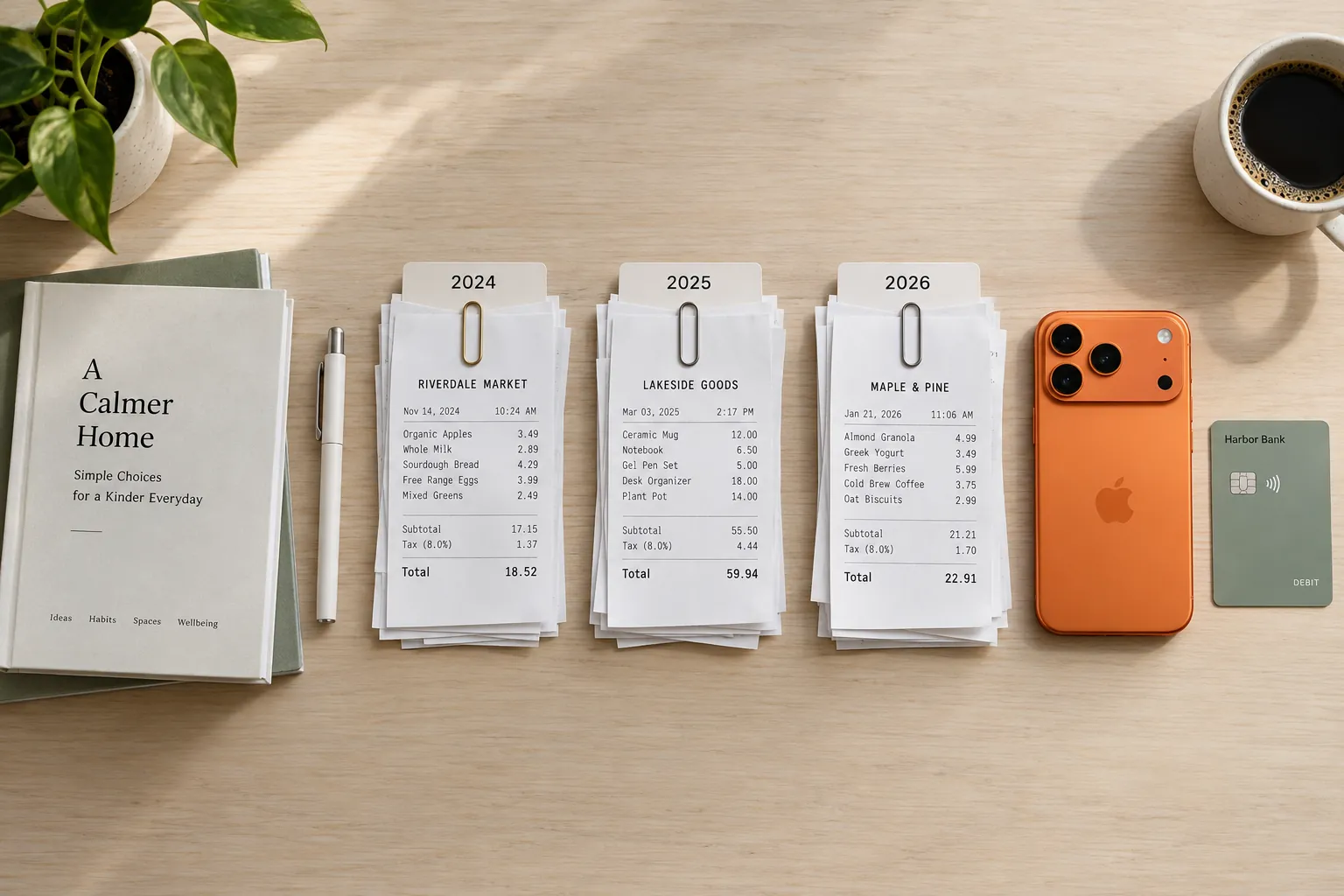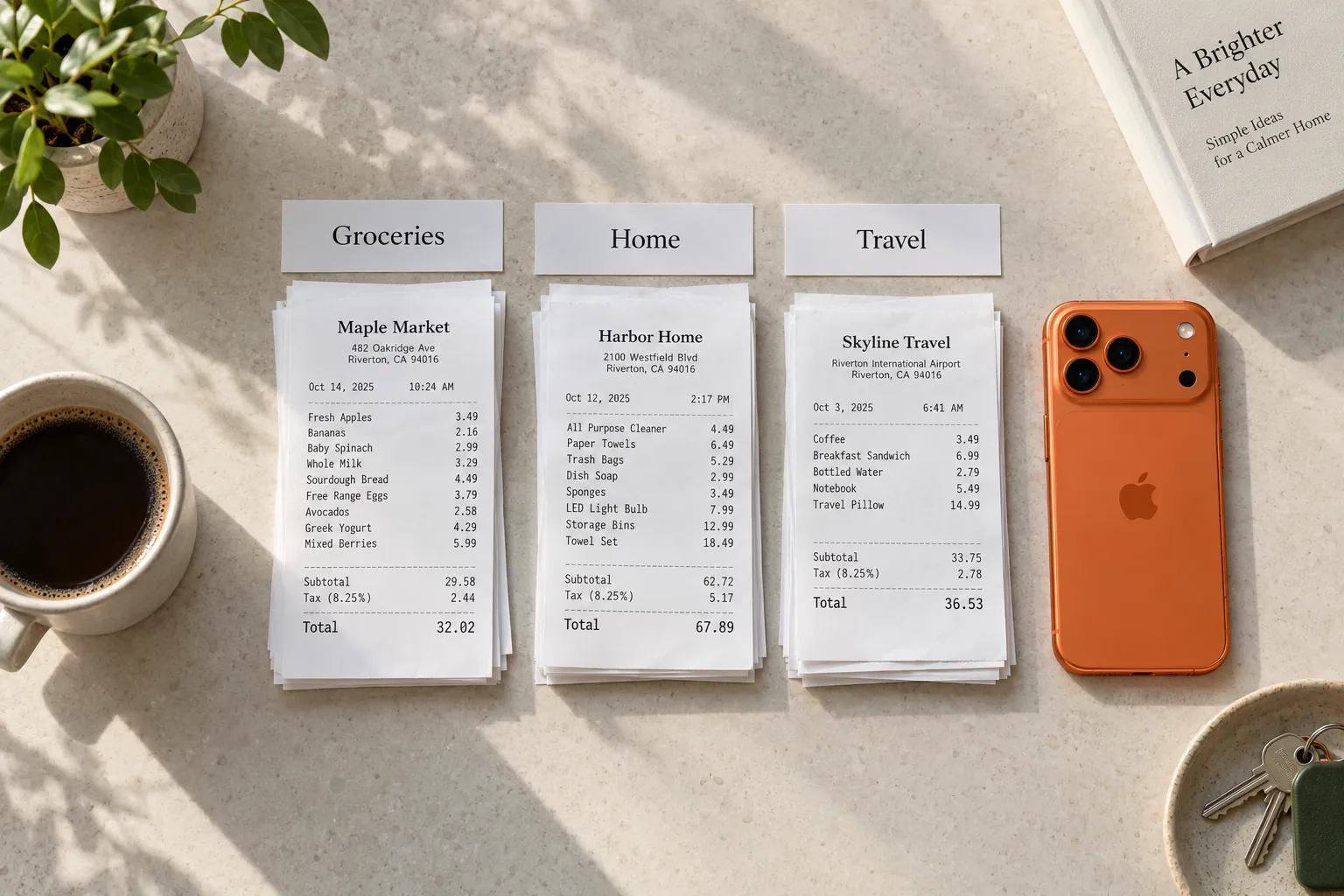
A receipt can have up to three jobs. It proves what you paid if you take something back. It proves when you bought something if it breaks under warranty. And it is a record of your spending, and sometimes of something your taxes or your employer need to see. Most receipt systems fail because they treat all three the same, so the shirt receipt you need next week ends up under six weeks of grocery slips.
The fix is to sort by job instead of by date, keep paper only where paper matters, and make a digital copy on the day you get the receipt. This guide sets that up with an envelope, three folders and a phone, then shows how it maps onto Sorayli if you use it.
01Sort every receipt by its job
When a receipt comes home, ask one thing: what could I need this for? The answer puts it in one of four piles.
| Pile | Typical receipts | Keep the paper? | Until |
|---|---|---|---|
| Everyday | Groceries, coffee, fuel, a meal out | No, once it is recorded | The day you record it |
| Returns | Clothes, shoes, gifts, anything you might take back | Yes | The return window closes |
| Warranty | Appliances, electronics, tools, furniture | Yes, with the warranty | The warranty runs out |
| Records | Work expenses, medical costs, anything tied to your taxes | It depends on the rule | See how long to keep receipts |
A receipt can belong to two piles at once. File it under the one that lasts longest. A receipt with a kettle and a shirt on it goes with the warranties, and you note the shirt's return date somewhere you will see it.
Records is the only pile where the answer depends on where you live and what the purchase was for. Tax authorities set those periods and they differ by country, so this guide leaves them to the retention guide linked in the table. Check your own country's rules before you throw away anything in that pile.
02A paper system that takes five minutes a week
- One inbox. Pick a single place where every receipt goes the moment you get home: a tray, a jar, an envelope by the door. Receipts left in wallets and coat pockets are the ones you cannot find later.
- Record, then sort, once a week. Log the week's spending first, by hand, in a spreadsheet or by scanning. If you are new to that part, start with the first 30 days of tracking. Then drop each slip into its pile. Everyday receipts go in the recycling once recorded.
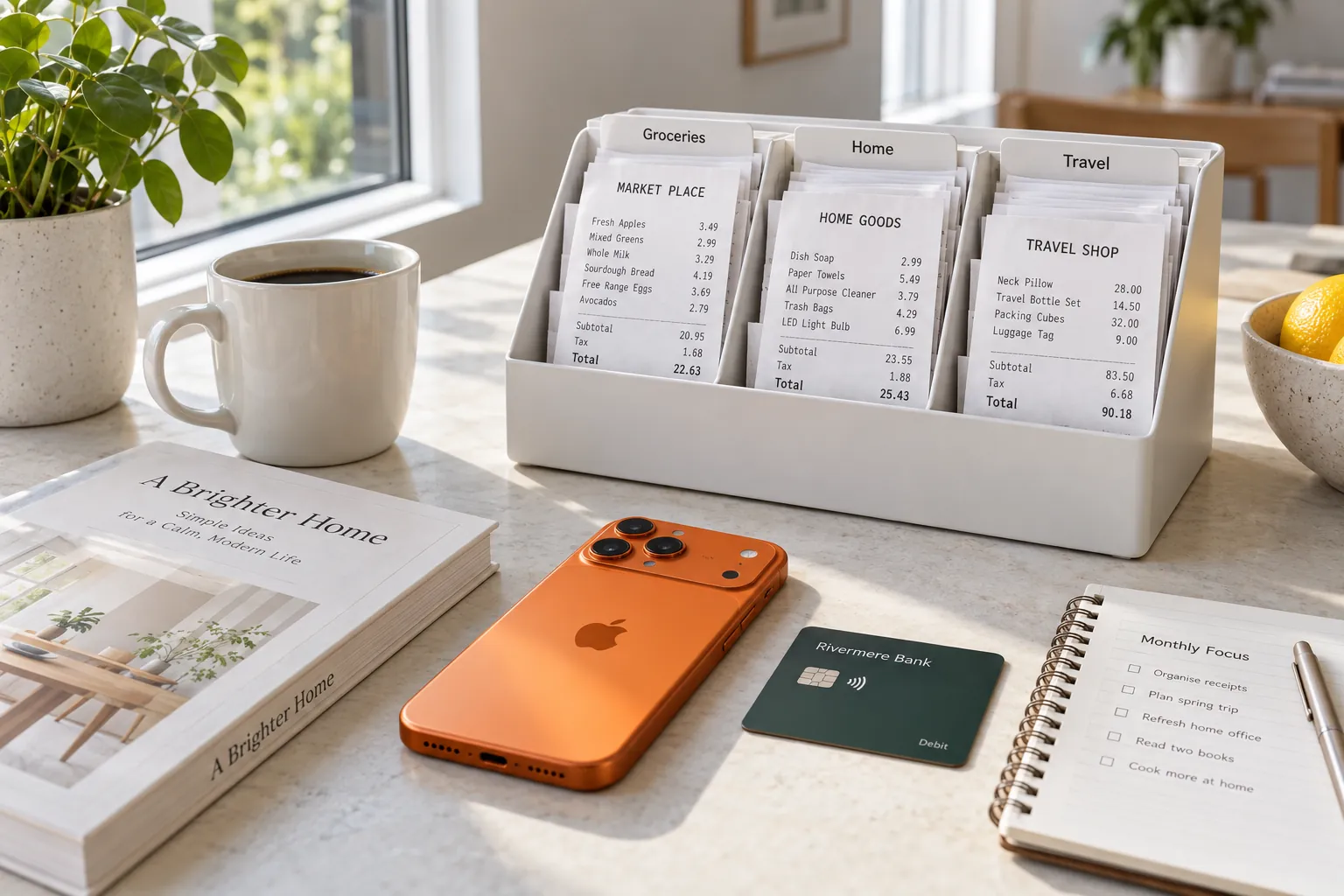
- Three folders. Label them Returns, Warranties, and Records with the year. A shoebox with dividers or an accordion folder is enough.
- Write the deadline on the receipt. On a returns receipt, write the last return day on the back in pen, so you don't cover the printed details. On a warranty receipt, write the item and the date the warranty ends.
- Keep warranty receipts with the manual. The FTC's consumer advice is to save your product receipt with the warranty, because the receipt proves the date you bought the product and that you are the original owner. A zip bag tucked into the manual works.
- Clear the Returns folder once a month. Anything past its return date goes to the recycling, or to Warranties if it also has a warranty item on it. This fits into a monthly money review.
03Thermal receipts fade, so copy them early
Many cash register receipts are printed on thermal paper. The US National Archives notes that thermal paper is still used for cash register receipts, and that the signs of its deterioration are the paper darkening and the information fading. For records it suspects are on poor-quality thermal paper, its advice is to consider reformatting them, which means making a stable copy, and to consider discarding the original.
At home, the stable copy is a photo taken the day you get the receipt, while the print is still sharp. A receipt you can barely read when you need it for a warranty claim a year and a half later is exactly the problem the photo solves.
04Make the digital copy easy to find
A photo you can't find is no better than a faded receipt. Three habits make the difference.
- Get the whole receipt in the frame. Flatten it, lay it on a plain surface in good light, and include the top and the bottom. The shop name and date are usually at the top; the total and often the return policy are at the bottom.
- Name it the way you will search. You will remember the thing you bought long before the shop or the date. If you keep photos in a folder, a name like "2026-09-12 kettle 39.99" finds itself.
- Mirror the paper piles. Use the same Returns, Warranties and Records folders in your photo app or cloud drive, so you never decide twice.
Emailed receipts need a home too. Make an email label or folder called Receipts and move order confirmations into it as they arrive. For anything with a warranty, the FTC says to print or download a copy of the warranty for your records if you shop online, so save it next to the order email.
05Worked example: one receipt, three jobs
Here is a Saturday receipt from a home goods shop. It mixes all three kinds of purchase, which is common and is where most systems break down.
Oak & Anchor Home Goods
Sat 12 Sep · 11:40
| Item | Category | Price |
|---|---|---|
| Electric kettle 1.7L1 @ 39.99Home | Home | $39.99 |
| Linen shirt, M1 @ 34.00Shopping | Shopping | $34.00 |
| Coffee beans 12 oz2 @ 8.49Food & Dining | Food & Dining | $16.98 |
| AA batteries 8 pk1 @ 9.49Shopping | Shopping | $9.49 |
- Subtotal
- $100.46
- Member coupon
- -$5.00
- Sales tax 6%
- $5.73
- Total
- $101.19
Card
- Coffee beans and batteries ($16.98 and $9.49) are everyday spending. Once they are recorded, they need nothing else.
- The shirt ($34.00) might go back. Say the policy at the bottom of the receipt allows 30 days: the last day is October 12. Write that on the back and put it in your calendar.
- The kettle ($39.99) is a warranty item. Say its manual gives two years: the warranty runs to September 12, 2028. That is the longest job on the receipt, so the whole receipt goes in Warranties, tucked into the manual, with a photo taken today.
- The total paid is $101.19, not the $100.46 the lines add up to. The coupon takes off $5.00 and the tax adds $5.73. When you check a receipt against a card statement, match the total paid.
One receipt, three deadlines: today, October 12, and September 2028. Sorting by job is what keeps the shirt's return date from getting lost behind the kettle.
06How Sorayli stores and finds receipts
Sorayli is our receipt scanner and expense tracker, and it covers the digital half of this system. Here is what it does and what it doesn't, so you can decide what still needs paper.
- The photo stays with the entry. Scan with the iPhone camera, pick a photo from your library on iPhone, or upload an image on the web. Each line of a multi-item receipt becomes its own entry, grouped under the receipt, and the receipt image is there when you open an entry on the web or on iPhone. On iPhone you can open it full screen and zoom in on faint print.
- Search finds the item, not the shop. The transaction search looks at an entry's title, description and category. It does not look at the shop name, the note or the amount. For the receipt above, search "kettle", not the shop.
- Filters narrow by date and category. The web and the iPhone app both filter by date range and category, so you can pull up everything filed under Home in a given year.
- A warning if you scan the same receipt twice. The screen where you check a scan flags one whose total and currency match a scan from the last 180 days, along with its date or shop name.
- Deleting a receipt deletes its photo. Keep the receipt in Sorayli until its return window or warranty has run out.
What it doesn't do: there is no warranty tag, no return-date reminder and no separate receipt search. If you want a warranty to turn up in search, edit the item's title to something like "Kettle, warranty to Sep 2028", since the title is searched. Put return deadlines in your calendar.
Two limits to know before you throw paper away. Export on the web, as a CSV of transactions or your account as JSON, is on the Pro and Family plans, and it does not include receipt photos, so keep your own copy of any photo you would need outside Sorayli. And the Free plan includes 10 scans a month. Typing an entry in by hand is unlimited on every plan, so everyday receipts past the tenth can simply be typed. Compare the plans.
Should I keep paper receipts after scanning them?
For everyday spending, a clear photo is enough to track your budget. Keep the paper for anything you might return or claim under warranty until that deadline passes. For tax records the rules depend on your country, so see how long to keep receipts.
How do I keep receipts from fading?
You can't stop thermal paper fading for good. The US National Archives lists fading as a sign of thermal paper deteriorating and suggests making a copy of records on poor-quality thermal paper, so photograph important receipts the day you get them.
What is the best way to keep receipts for warranties?
Keep the receipt with the warranty or the manual, as the FTC advises, and write the end date on it. Take a photo as a backup in case the print fades.
Can I search my Sorayli receipts by store name?
Not on a receipt with several items. Search looks at an entry's title, description and category, and each scanned item is titled with the item's name, so search for what you bought or filter by date. A one-item receipt is titled with the shop's name, so that one will match.
- 1Thermal paper is still used for cash register receipts; its deterioration shows as darkening paper and fading information; consider reformatting records on poor-quality thermal paper and discarding the original.US National Archives, Paper-Based Recordsread 2026-09-28
- 2Save your product receipt with the warranty, since it proves the purchase date and that you are the original owner; if you shop online, print or download a copy of the warranty.Federal Trade Commission, Consumer Advice: Warrantiesread 2026-09-28