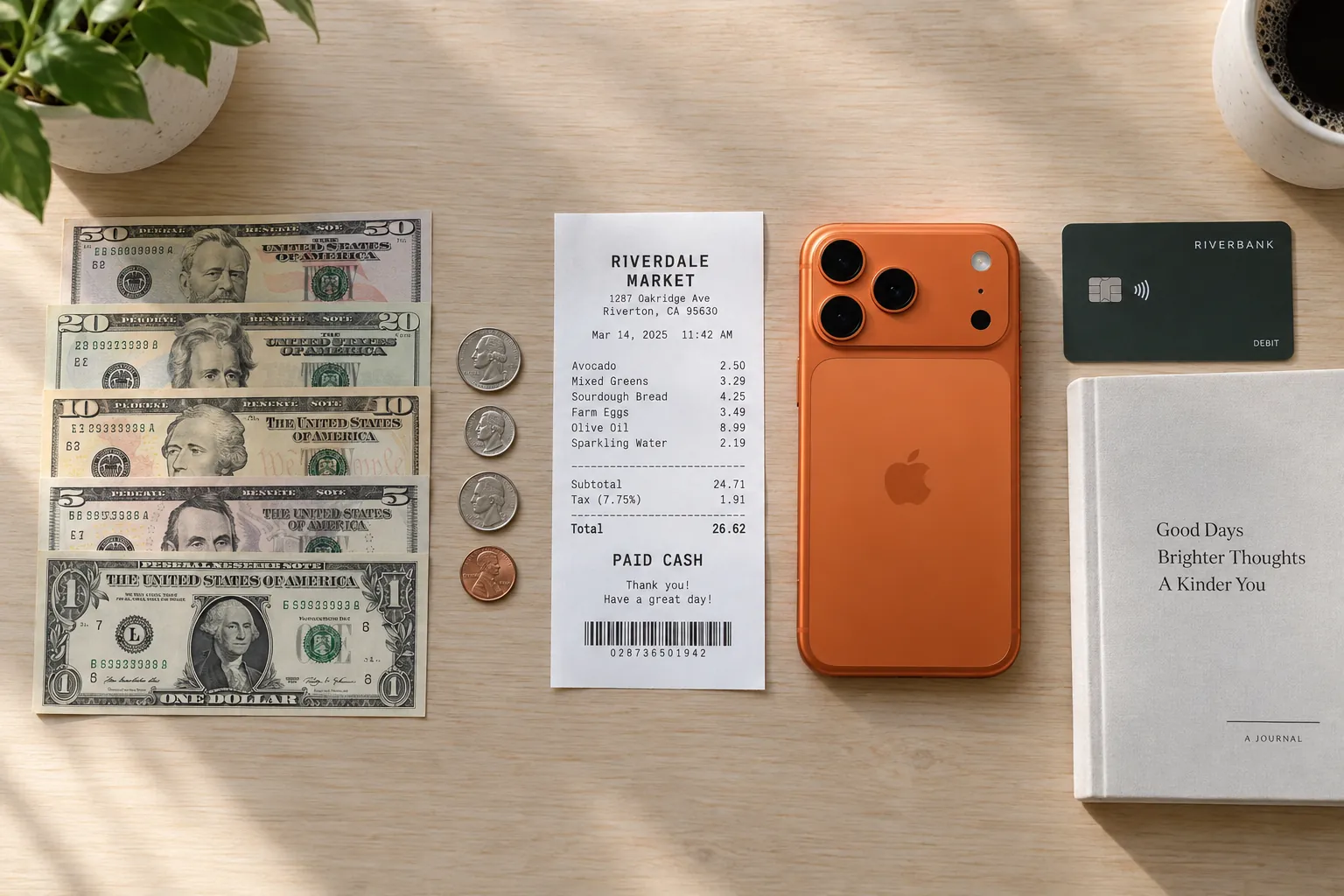
Card spending leaves a trail. Every charge appears on a statement with a date, a shop and an amount. Cash leaves one line: the withdrawal. After that, a $60 trip to the ATM turns into lunch, a parking meter, a tip and a bag of apples, and none of them appear anywhere unless you write them down. Your own log is the only record of cash spending there is.
That record matters more than the amounts suggest. In the Federal Reserve's 2026 Diary of Consumer Payment Choice, US consumers used cash for an average of six payments a month in 2025, 14% of all their payments, and five out of six cash payments were for less than $25. Small purchases are the ones you forget first. The method below works on paper, in a spreadsheet or in an app.
01Why cash drops out of a budget
Three things make cash hard to track. Nothing reminds you: a forgotten card purchase still shows up on your statement, but a forgotten cash purchase stays forgotten. Much of it comes with no receipt, such as a market stall, a tip jar or coins in a meter. And the one line you do see, the withdrawal, is not spending at all. It is money moving from your account to your wallet.
So cash tracking comes down to three habits: log each purchase and never the withdrawal, capture it at the moment you pay, and count your wallet once a week to see what slipped past.
02Log the purchase, not the withdrawal
When you take $60 out of an ATM, you have not spent $60. You have $60 in a different place. The spending happens when you hand it over. If you log the withdrawal and then log the purchases as well, the same money counts twice.
- Leave the withdrawal out of your spending log. The weekly wallet count below uses it instead.
- Log the ATM fee as its own expense if you paid one. The fee is real spending, and it appears on your statement, not in your wallet.
- If you ask for cash back at a register, the card charge includes that cash. Log only what you bought, then log the cash purchases as you make them.
- Log each cash purchase as an expense, under the category of what you bought: lunch under Food & Dining, a haircut under Personal Care.
In Sorayli, the add form offers only Expense or Income, with no transfer option for moving money into your wallet, which is one more reason to leave withdrawals out entirely.
03Capture it on the spot
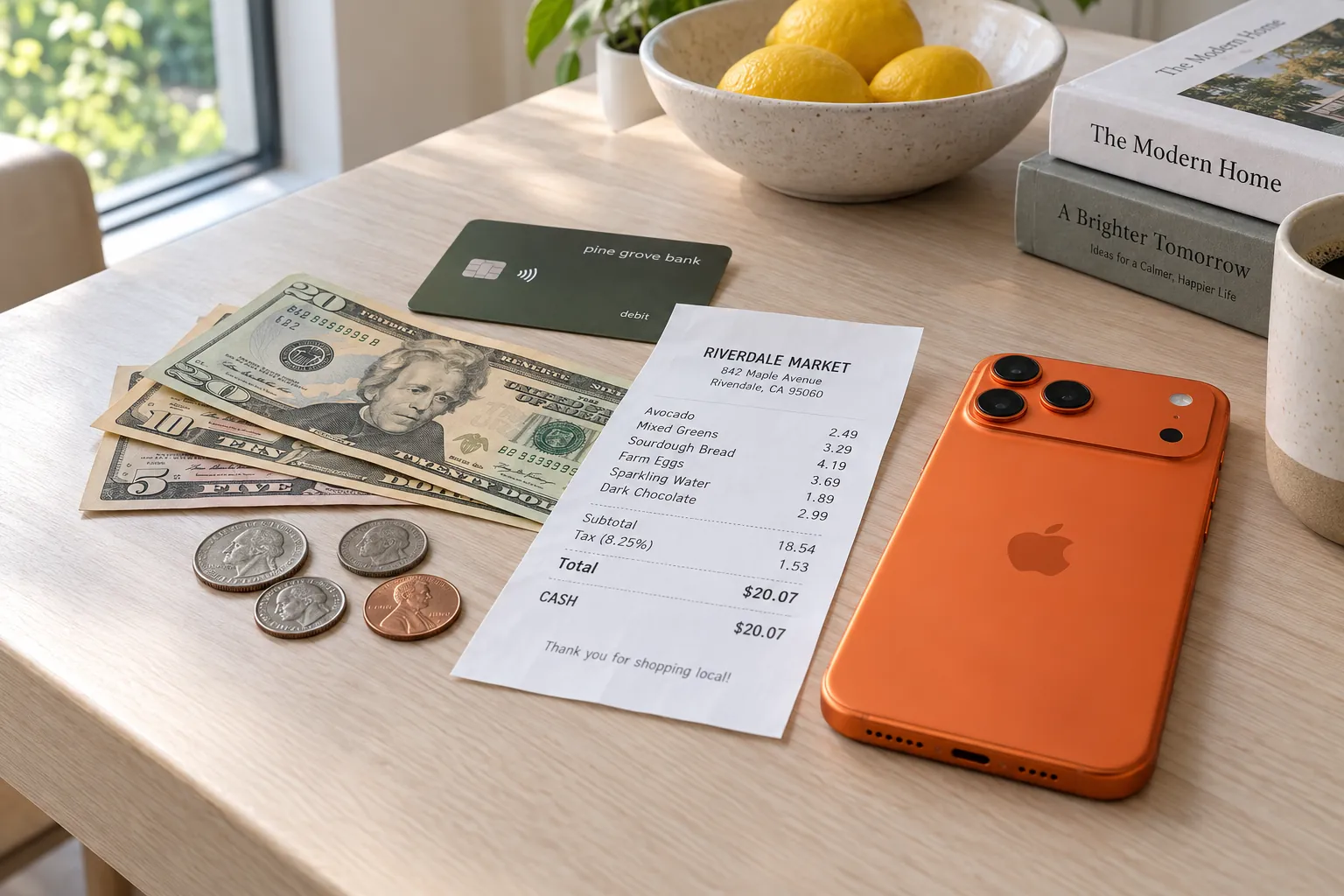
Log a cash purchase before you walk away from the counter, or at least the same day. By evening, a $4.75 coffee is already gone from memory. There are two ways to do it.
When there is a receipt
Photograph it. Sorayli's receipt scanner reads the shop, the date, each line, the tax and the total, and suggests a category for each item. Nothing is saved until you have checked it. If you are on the Free plan, you get 10 scans a month, so you may want to save scans for longer receipts and type the one-item ones in.
When there is no receipt
Type it in. You need an amount, a title that says what it was for, and a category. The date is today unless you change it. Typing is unlimited on every plan. If you are catching up on several cash purchases at once in the iPhone app, set the date and use Save & add another: it keeps the type, currency and date, clears the rest, and puts you back on the amount.
04A cash receipt, worked through
Here is a small corner-shop purchase paid in cash.
Linden Corner Market
Tue 15 Sep · 12:18
| Item | Category | Price |
|---|---|---|
| Turkey sandwichFood & Dining | Food & Dining | $7.50 |
| Coffee, large2 @ 2.25Food & Dining | Food & Dining | $4.50 |
| Bananas2.00 lb @ 0.65Food & Dining | Food & Dining | $1.30 |
| Toothpaste 4 ozPersonal Care | Personal Care | $3.99 |
| AA batteries 4 pkShopping | Shopping | $6.49 |
- Subtotal
- $23.78
- Tax 6% on 10.48
- $0.63
- Total
- $24.41
Cash 30.00 · Change 5.59
Check the arithmetic first, because it is the same arithmetic your wallet does. The five lines add to $23.78. Tax of 6% on the two taxable lines ($10.48) is $0.63, so the total is $24.41. You handed over $30.00 and got $5.59 back. Your wallet is $24.41 lighter.
Now the part that trips people up. When Sorayli saves a receipt with several items, each line becomes its own entry at its printed price, grouped under the receipt. The tax is not saved on its own. Save this receipt as it was read and your log shows $23.78 of spending, while your wallet lost $24.41. Before you save, use Add item to add the $0.63 of tax as a line (in the iPhone app, the new line is filled in with the gap for you). Then the log and the wallet agree to the cent, and the weekly count below stays clean.
The receipt also splits across three categories: $13.30 of food, $3.99 of personal care and $6.49 of shopping. Logged as one $24.41 food purchase, it would count $11.11 of toothpaste, batteries and their tax as food. On iPhone, the receipt screen also shows the payment method when the receipt printed one, so you can see this one was paid in cash.
05Count your wallet once a week
However careful you are, some cash purchases will slip through. A weekly wallet count finds out how much. It takes five minutes and needs only three numbers: the cash you had at the last count, the cash you took out since, and the cash purchases you logged since.
- Pick a fixed time, such as Sunday evening. Empty your wallet, pockets and bag, and count the cash, coins included. Write the number down.
- Look up any withdrawals since the last count on your bank or card statement, including cash back at a register.
- Add up the cash purchases you logged since the last count.
- Work out what should be left: last count, plus withdrawals, minus logged purchases. Compare it with what you counted.
- Anything missing is cash you spent and did not log. Try to remember it and log it properly. What you cannot place, log as one entry, such as "Unlogged cash", so your totals are right even when the detail is gone.
| Day | What happened | Cash in or out | Should be in the wallet |
|---|---|---|---|
| Sun | Counted the wallet | 38.00 | |
| Mon | ATM withdrawal (not spending) | +60.00 | 98.00 |
| Tue | Linden Corner Market, scanned | −24.41 | 73.59 |
| Wed | Farmers market, no receipt, typed in | −14.00 | 59.59 |
| Thu | Coffee cart, typed in | −4.75 | 54.84 |
| Fri | Lunch split with coworkers, typed in | −18.00 | 36.84 |
| Sun | Counted the wallet | 29.84 counted |
The wallet should hold $36.84 and holds $29.84. That $7.00 is spending the log missed. Maybe it was two parking meters and a vending machine snack. If you remember, log each one under its own category. If you do not, log one $7.00 entry and note the lesson: which kind of purchase keeps escaping, and whether it needs a habit of its own, like a coin jar in the car.
Over a few weeks, the gap measures your capture habit. A few dollars is fine. A third of what you withdrew means the on-the-spot habit is not sticking yet, so fix that before you trust any category total.
Sorayli has no cash balance to do this for you. It has no accounts at all, so its totals are your income minus your spending, cash and cards together. The wallet count is a job for you and a pen, and it works the same whatever tool holds the log. For the card side of the week, the guide on tracking expenses without linking your bank has a matching weekly statement check.
06Cash envelopes and budgets
Some people budget with cash on purpose: withdraw a fixed amount for a category at the start of the month, keep it in its own envelope, and stop when the envelope is empty. It works because the limit is physical. The weak spot is that you learn nothing about where the money went unless you still log each purchase.
Pairing the two is simple. Keep the envelope, and log each purchase from it under the matching category. In Sorayli, groceries go under Food & Dining unless you add a Groceries category yourself. The envelope stops you overspending, and the log shows you the pattern afterward: for example, that a $200 grocery envelope went $140 on the weekly shop and $60 on top-up trips.
In Sorayli, a budget counts expenses in its exact category, typed or scanned, so cash purchases count the same as card ones. New accounts start with top-level categories only. If you add your own subcategory, say Groceries under Food & Dining, a Food & Dining budget does not count it, so budget the category you actually file under. For a monthly budget, Sorayli emails you, and sends an iPhone push if you turn push notifications on, once spending reaches the alert level you set (80% unless you change it). The check runs on a schedule, so the alert arrives after the purchase, not at the till. Free includes 2 budgets; Pro and Family have no limit. There is more on how budgets and alerts work.
07Cash in another currency
The same rules hold abroad. Changing money or withdrawing it is not spending, but any fee or commission is. Log each purchase in the currency you paid.
Sorayli keeps the amount in the currency you paid and converts it to your base currency at a daily rate from the purchase date or, when that day has none, an earlier one. Your budgets and totals then use the converted amount. The wallet count still works abroad: count in the local currency and compare with what you logged in that currency. More on how multi-currency tracking works.
Should I record an ATM withdrawal as an expense?
No. A withdrawal moves money from your account to your wallet. Log the things you buy with the cash as expenses, and log any ATM fee on its own, or the same money counts twice.
How do I track cash purchases with no receipt?
Type them in as you pay: amount, what it was for, and a category. Then count your wallet once a week and log any gap, so purchases you forgot still reach your totals.
Can Sorayli show how much cash I have left?
No. Sorayli has no accounts or balances, only the income and spending you add. Count your wallet by hand; the weekly method above takes about five minutes.
Is scanning or typing better for cash purchases?
Scan a receipt with several items, so each line gets its own category. Type one-item purchases and anything without a receipt. Typing is unlimited, and the Free plan includes 10 scans a month; Pro and Family scan without a monthly limit, subject to a fair-use cap (compare plans).
- 1In 2025, US consumers made an average of six cash payments a month, 14% of all payments, and five out of six cash payments were for transactions under $25.Federal Reserve Financial Services, 2026 Findings from the Diary of Consumer Payment Choice (pages 3 and 12)read 2026-09-28